You may encounter duplicate results for the same location in Guesty when using the Multi-Calendar filters, searching for a listing in the Booking Engine, or creating a custom properties report. This commonly happens when listings at the same location are written differently or contain extra spaces in the address fields.
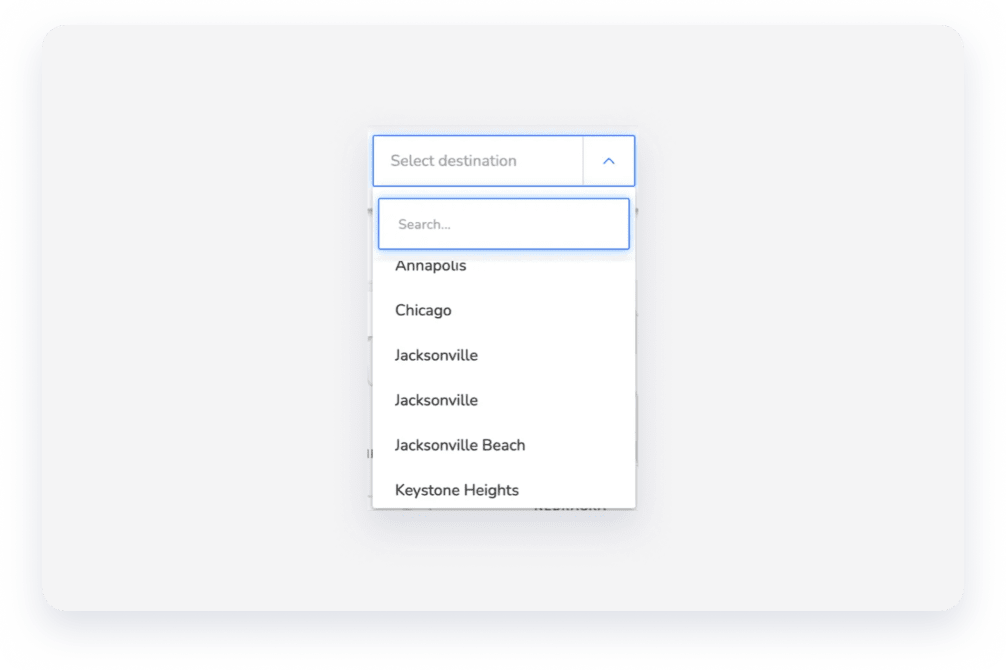
The system treats these variations as completely different locations. In the Booking Engine example below, Jacksonville appears twice because the state is listed as "Florida" for some properties and "FL" for others.
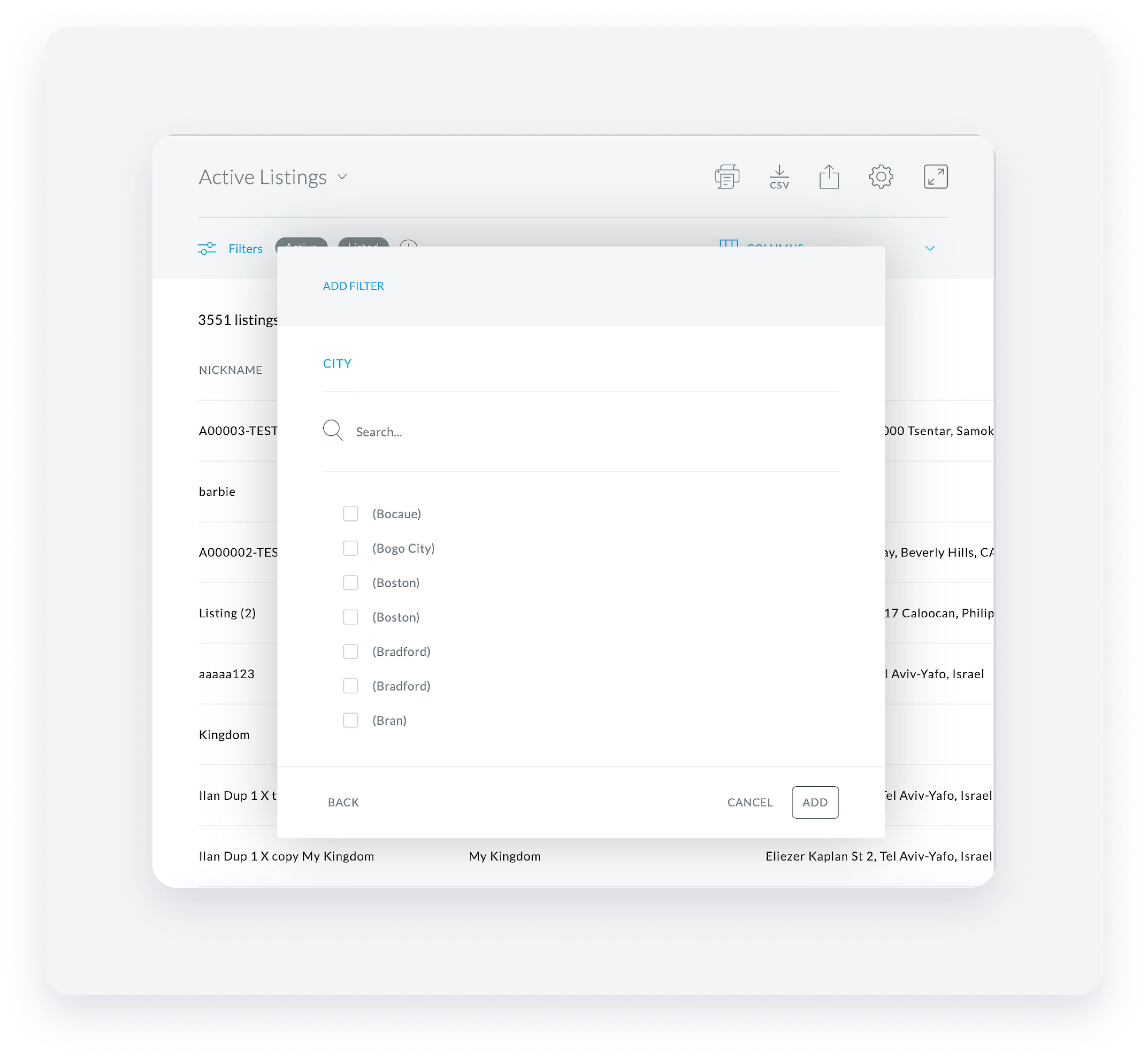
Similarly, in the report below, Boston and Bradford are listed twice due to inconsistent spacing in the address fields.
If you see duplicated results, update the address in all the related properties and remove any extra spaces from the City, State, and Country fields.
Follow the instructions below to identify these discrepancies and standardize your property details.
Step by step:
- Create a custom properties report.
- Add the following columns to the report:
- City
- State
- Country
- Published City
-
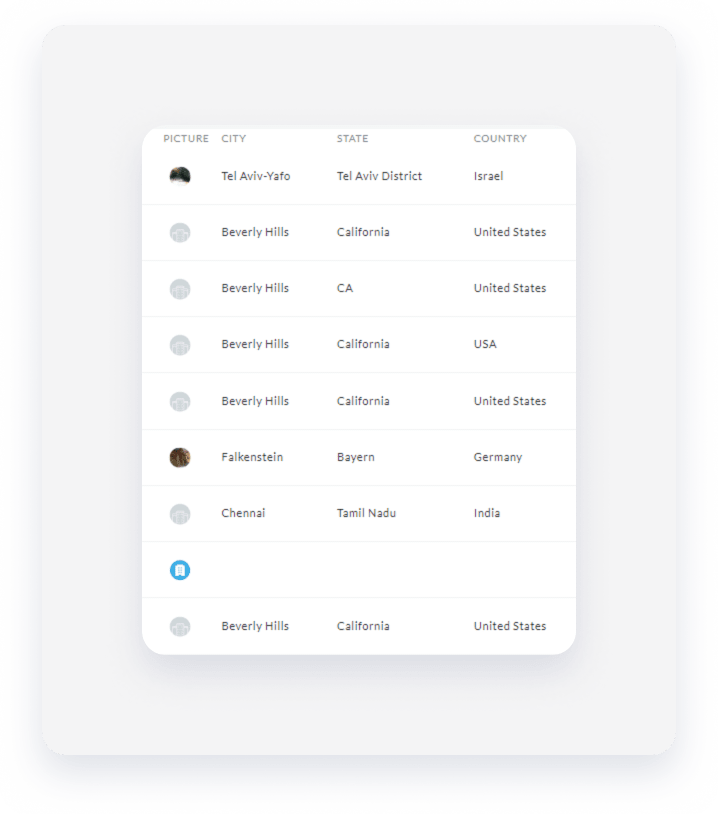
Search for duplicates in the report results. In the example below, "California" creates a separate group from "CA" in the State column. Likewise, "United States" and "USA" appear separately in the Country column.
- Correct the addresses of the relevant properties.
