Gathering guest information before arrival makes for a smoother check-in and stay. Send guests check-in forms to collect stay details and identification, such as a passport or driver's license.
Track the form's progress with these statuses:
- Sent: The message with the form link was sent to the guest.
- Viewed: The guest opened the form.
- Completed: The guest completed the form.
View check-in form status
View the status directly in the inbox or reservation page, or monitor multiple forms at once using a reservations report.
Via the Inbox
Follow the steps below to check the status in the inbox:
Step by step:
- Sign in to your Guesty account.
- In the side navigation menu, click
 Inbox.
 - In the Inbox submenu, select the relevant inbox.
- Click the relevant message thread.
- In the inbox widget submenu, click
 .
. - Scroll to view the status above the calendar.
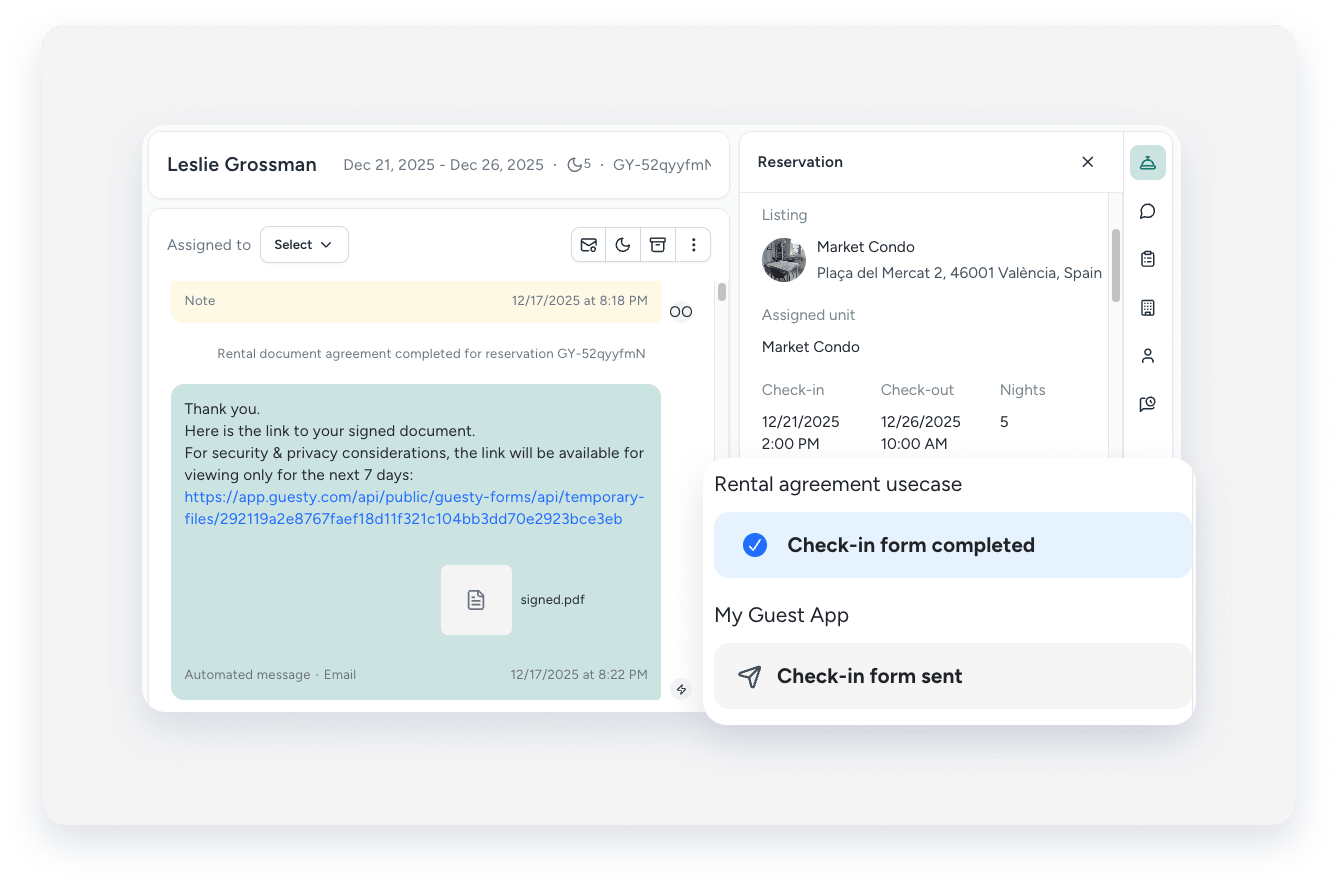
Via the reservation page
Find the status in the "Check-in form" section of a specific reservation page.
Note:
The status only appears in "Check-in form" after the link is sent via email, SMS, or a booking channel message.
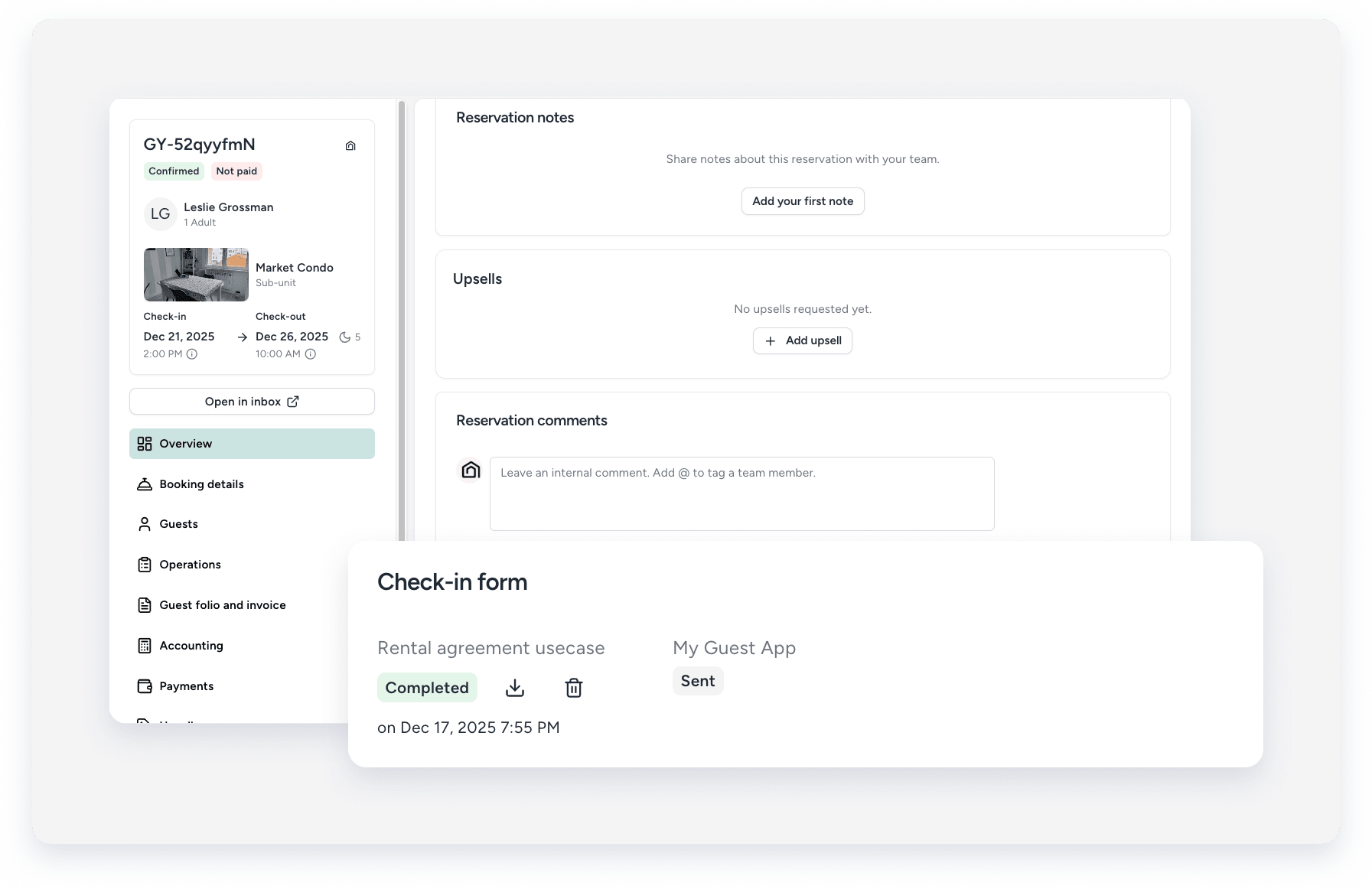
Via the reservations report
Create a reservation report and add the "Check-in form submission status" column.
Tip:
If multiple Guest App submissions are sent for the same reservation, the report only displays the status of the most recent submission. However, all submissions can be viewed on the reservation page.

Tip:
You can see which details the guest entered in the check-in form.
