Perform bulk actions on the Multi-Calendar to save time when updating multiple properties and date ranges. Apply changes across various cells simultaneously to reduce repetitive manual work and manage availability across multiple properties at once.
Limitations
- To override nightly rates or minimum nights, your role must include the "Manage nights" settings permission.
- Bulk actions apply to both single-unit and multi-unit listings, but sub-unit prices are managed via the parent multi-unit.
- For properties with different currencies, you can only adjust the nightly rates by a percentage.
- Manual changes to check-in or check-out restrictions made in the Multi-calendar won't override rate strategy settings. Edit these directly in the relevant rate strategy.
Perform bulk changes
Follow the steps below to choose your listings and date range.
Step by step:
- Sign in to your Guesty account.
- In the side navigation menu, click
 Multi-calendar.
 -
Drag your cursor across the calendar to select a date range for one or more properties. You can select cells horizontally, vertically, or diagonally.
If you select a multi-unit, all its sub-units are automatically selected.
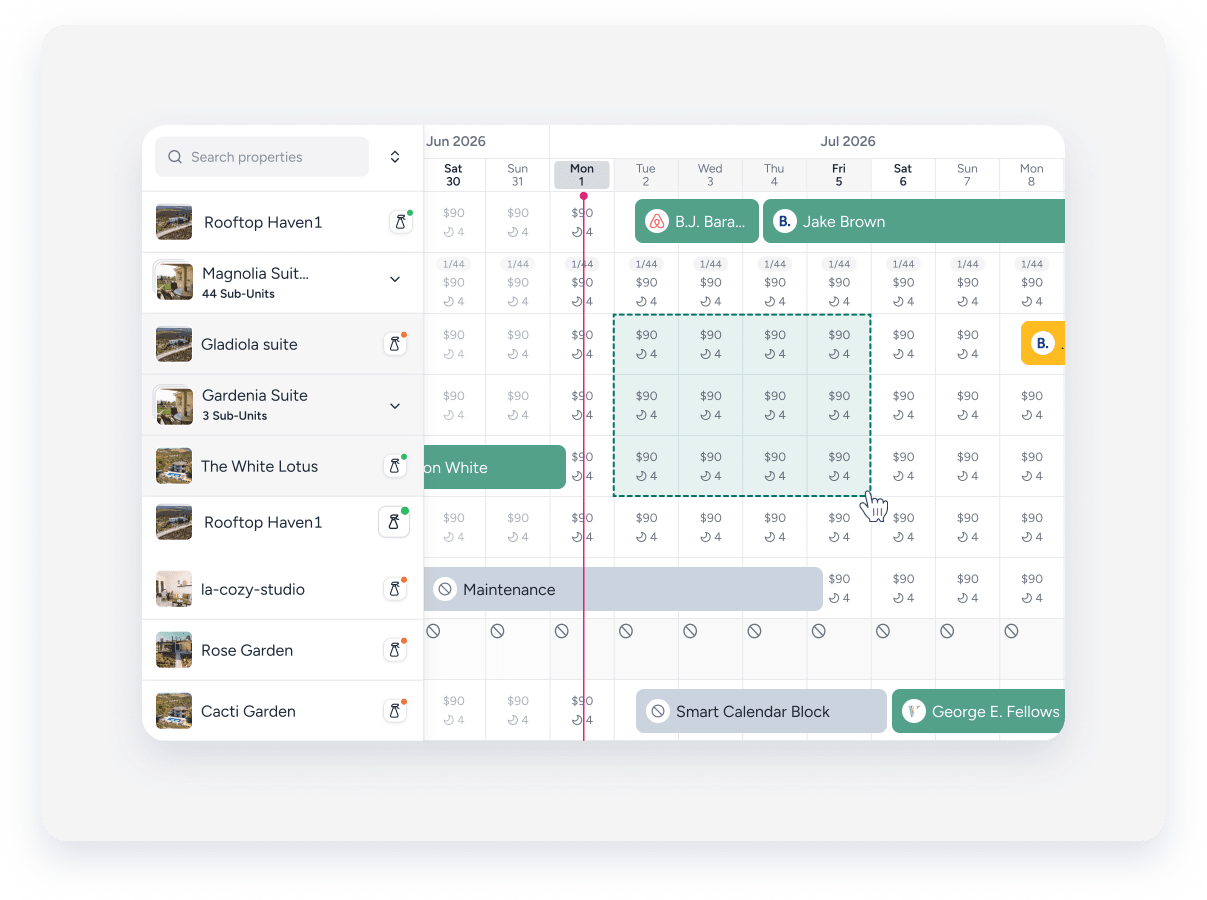
- In the side panel, you can adjust the date range.
- In the side panel, select from the available actions.
- Reservations: This option is available only when selecting a single property. Create a New reservation or quote, or a New owner reservation.
- Manual blocks: Click Create a manual blocks. If a manual block already exists, the new one merges with it.
-
Min nights and rates:
- Click Override min nights and rates. Check the Nightly rate box to adjust the rate by a fixed amount or a percentage. Check the Minimum nights box and use the arrows to select a number. Click Apply changes.
- Click Remove min nights or rates overrides. Check Nightly rate, Minimum nights, or both to remove overrides (whether made manually or by a third-party tool) and restore the property's original settings. Click Apply changes.
-
Restricted dates: Click Restrict check-in/check-out. Disable check-ins, check-outs, or both for the selected dates. Click Apply changes. A gray checkmark on the calendar indicates restricted dates.
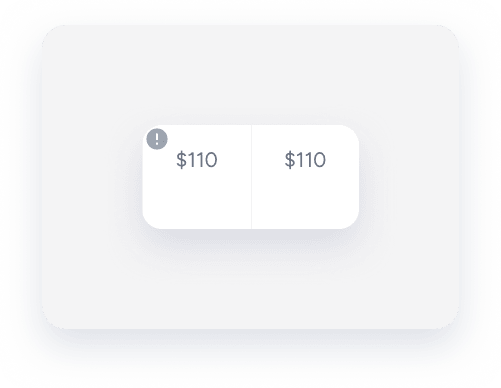
Guesty saves only the modified fields.
Undo changes
To remove changes, select the relevant properties and dates. In the side panel, choose to remove check-in and check-out restrictions, minimum nights and rates overrides, or manual blocks.
