Guests' payment methods fail for various reasons, such as an invalid credit card or a missing payment method on a reservation. This in indicated by the payment status in a reservation.
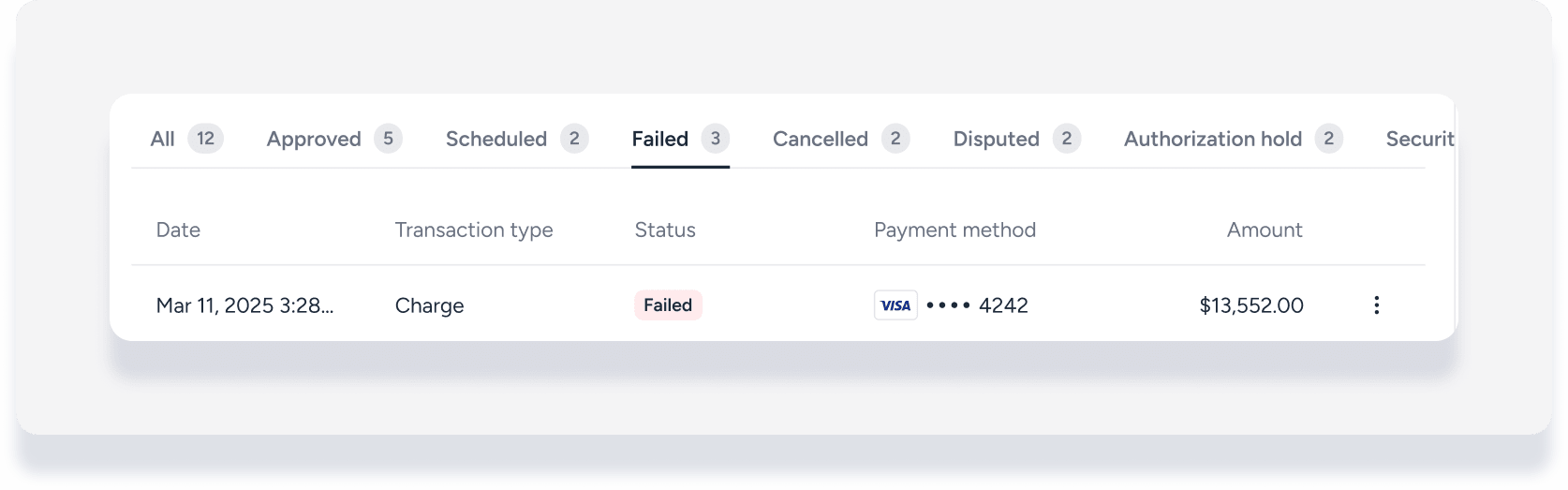
When a payment method is declined or missing, any pending scheduled payment automations fails. You can try charging the same card again, add and charge a new payment method, or cancel the payment entirely.
Try charging the same card
Step by step:
Sign in to your Guesty account.
- In the side navigation menu, click
 Reservations.
 - Select the relevant reservation.
- In the left submenu, click Payments.
To the right of the failed payment, click
 .
.In the side panel, click Try again.
In the pop-up, click Try again.
If the charge fails again, proceed with the following steps.
Add and charge a new card
Important:
If a payment method from a booking channel (e.g., Expedia, Booking.com) is declined, contact the channel directly to request updated payment information from the guest. Do not add the new payment method in Guesty yourself or send a payment request link.
Before updating a specific payment, ensure the new credit card information is saved to the guest's Guesty account.
You can enter the payment method manually, following the steps below, or send the guest an invoice to collect their new payment method via secure link.
Step by step:
Sign in to your Guesty account.
- In the side navigation menu, click Reservations.
- Select the relevant reservation.
- In the left submenu, click Payments.
To the right of the failed relevant payment, click
and select Add payment method.Enter the credit card details.
At the bottom, click Add payment method.
Click on the payment line again.
In the side panel, click Charge now.
Tip: Stay informed
Configure notifications to receive alerts for invalid payment methods. This helps you take action immediately when a payment fails.
Replace in payment automation
If the reservation uses payment automations, learn how to turn a scheduled payment into a recorded payment using the new card.
Cancel a payment
Cancel a reservation's payment to recreate or recollect the payment later.
Step by step:
Sign in to your Guesty account.
- In the side navigation menu, click Reservations.
- Select the relevant reservation.
- In the left submenu, click Payments.
To the right of the failed payment, click
.In the side panel, click Cancel payment.
In the pop-up, click Cancel payment.
Note: Payment failure limits
If a payment fails for the third time, Cancel payment is no longer an option. In this case, you must add a new payment method to the reservation to proceed.
