There are different types of fees you can add to your listings and nightly rates. As an official Airbnb software partner, Guesty is authorized to support legally required data collection, including disclosed mandatory fees and security deposits collected outside the Airbnb platform.
Airbnb’s Off-Platform and Fee Transparency Policy requires all fees, whether mandatory or optional, to be disclosed upfront on the Airbnb listing before booking. This article explains how to manage basic, additional, and offline fees.
Create basic fees
Airbnb has two basic fees you can sync with Guesty: the cleaning fee and the extra person fee.
Cleaning fee
Application: Per stay
Invoice: Displayed individually in Guesty invoices
Amount: Must be between $5 USD and $600 USD, plus 25% of the nightly rate
Follow these steps to create your cleaning fee. Cleaning fees are created on the listing level only.
Note:
For Luxe listings, the cleaning fee syncs as a "Damage Waiver". The Guesty invoice displays "Damage waiver - PASS_THROUGH_DAMAGE_WAIVER".
Extra person fee
Application: Per person, per night
Invoice: Included in the nightly rate
Amount: Between $5 USD and $300 USD per additional guest
Follow these steps to add an extra person fee. Extra person fees are created on the listing level only.
Important:
If you set either basic fee outside these valid ranges, Airbnb adjusts it automatically. This creates a discrepancy between the fee amount in your Guesty account and Airbnb.
Create additional fees
You can create additional fees at two levels:
Account-level fees: These apply to all listings by default
Listing-level fees: These apply to specific listings and override account-level fees
For listing-specific fees, toggle on Custom listing fees in the listing settings. Then, enable Sync fee to channels to make the fee appear on Airbnb.
Fee type
Additional fees are incorporated into the nightly price and aren't presented individually to guests on Airbnb. To sync properly, these fees must have valid inventory combinations.
Resort fee: For amenities or services provided by the property
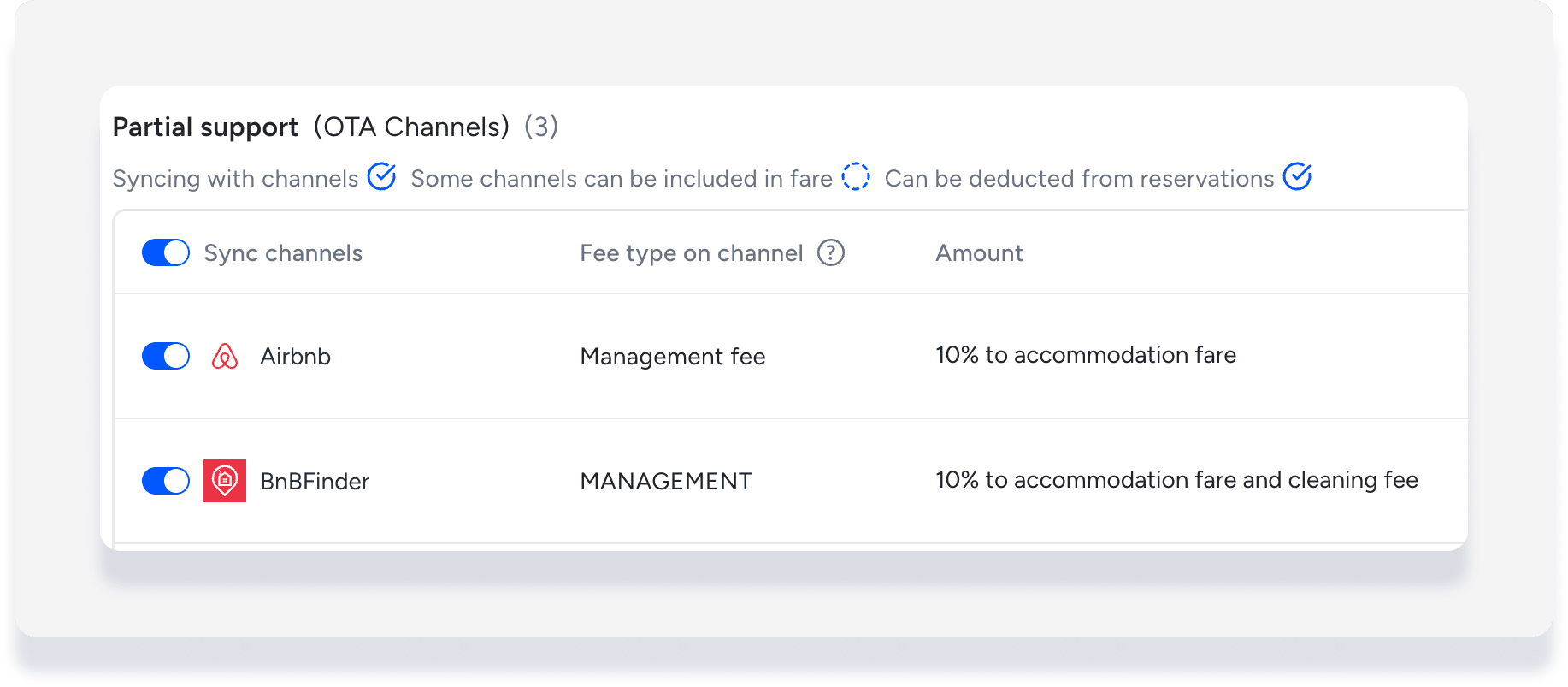
Management fee: For administration or business expenses; includes "Damage waiver fees"
Community fee: For HOA or building fees
-
Pet fee: Applies per pet and can sync as per pet, per night, or per stay
If you set the pet fee above the listing's base price, Airbnb adjusts it automatically.
Linen fee: Included in the cleaning fee on Airbnb
How additional fees are calculated
When creating an additional fee, you must select one of the following calculation methods:
Fixed fees: Per stay, per night, per guest, or per guest per night.
Percentage fees: A percentage of the accommodation fare.
Follow these steps to create and sync additional fees.
Important:
Regardless of the general settings, percentage fees are based on the accommodation fare only for Airbnb.
Limitations
Reservations confirmed via Airbnb pre-approvals or special offers don't provide fee breakdowns in Guesty.
For pre-approvals, all fees, except the cleaning fee, are bundled into the nightly rate.
For special offers, you must manually calculate and include them in the total price sent to the guest, as Guesty can't automatically apply standard fees.
Sync offline fees
Offline fees are charged separately from the reservation rate and are presented to the guest during the Airbnb booking process. Currently, the only available offline fee is the Security deposit.
Amount: $100 USD – $5000 USD per stay.
Refund policy: These are refundable unless you make a claim within 48 hours after check-out. They aren't refunded for bookings canceled before check-in because they haven't been collected yet.
Visibility: For Instant book listings, these are part of the total cost. For Request to book listings, they are presented before the guest finalizes the request. Learn more about setting a booking policy.
Follow these steps to add a security deposit fee.
Airbnb fee summary
Use this table to ensure your fees meet Airbnb’s specific requirements. Fees outside the required range are adjusted automatically by Airbnb. This creates a discrepancy between the fee amount in your Guesty account and Airbnb.
| Fee Type | Category | Calculation Method | Required Range (USD) |
|---|---|---|---|
| Cleaning Fee | Basic | Per stay | $5 – $600 (+ 25% of nightly rate) |
| Extra Person Fee | Basic | Per person, per night | $5 – $300 |
| Pet Fee | Additional | Fixed (Stay, Night, or Pet) | Must not exceed base price |
| Resort Fee | Additional | Fixed or Percentage | N/A |
| Management Fee | Additional | Fixed or Percentage | N/A |
| Community Fee | Additional | Fixed or Percentage | N/A |
| Linen Fee | Additional | Fixed per stay | N/A |
| Security Deposit | Offline | Fixed per stay | $100 – $5,000 |
