Guesty Websites is based on the Guesty Booking Engine. You must have a Guesty Booking Engine to be able to use Guesty Websites. The Guesty Booking Engine is free for all Guesty users, so you can avoid paying extra fees to third-party distribution channels.
Once you create a Guesty Booking Engine, you can connect your own domain to the Guesty Booking Engine to improve your branding. When guests make a reservation on your Guesty Website, they are redirected to your Guesty Booking engine to complete the transaction.
Read more information on the difference between the Guesty Booking Engine and Guesty Website domains below.
Guesty Booking Engine
The Guesty Booking Engine is a simple, static booking portal where guests can view availability and book their reservations. Use the Guesty Booking Engine as a standalone booking site, or embed it as a widget on your own website. Integration with other booking engines is not supported.
With the Guesty Booking Engine, you can use the default Guesty domain or connect your own domain managed via a third-party outside of Guesty.
Explore our demo site.
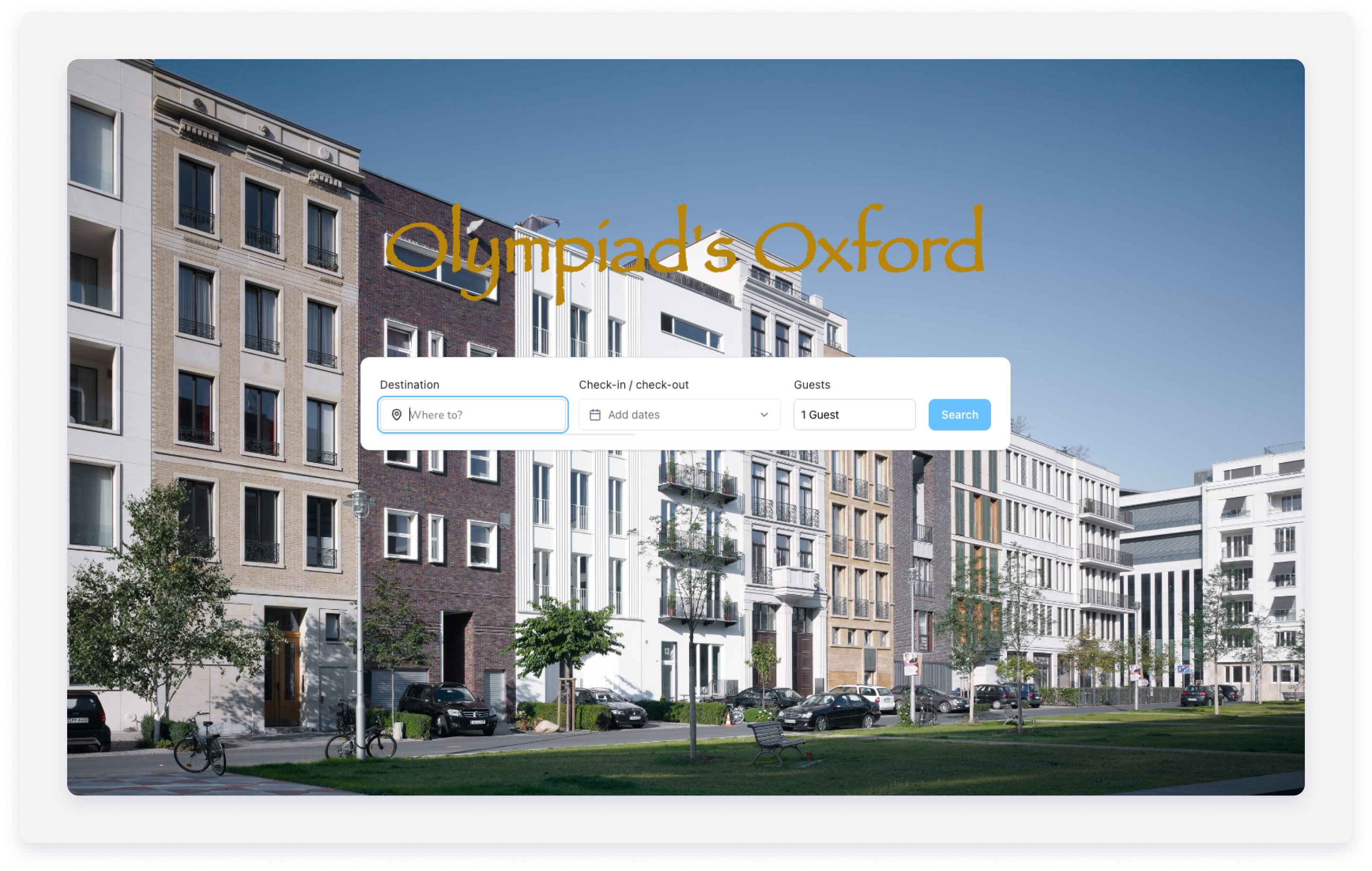
Guesty Websites
Launch an upgraded site with Guesty Websites for additional brand exposure. Guesty Websites is a customizable site builder with advanced features to showcase your brand and provide your guest with a seamless booking experience.
Choose between a Basic Website, free of charge, which provides basic functionality, or upgrade to an Advanced Website for unlimited customizability and multiple sites. Compare Guesty Website plans. With Guesty Websites, you can use the default domain, connect your own domain, or add a new domain. See more information below.
Basic Website
Advanced Website
Tip:
Learn how to unify your Guesty Website and Booking Engine domains.