Important:
Legacy rental agreements and check-in forms are now deprecated. Follow our guide to transition to the Guest App. You can also continue using the legacy features as a paid solution. Contact your account manager to learn more.
Collect valuable information from your guests, such as their names, email addresses, and mobile numbers, by sending a check-in form before their arrival.
Follow the instructions below to create a check-in form. Once completed, you can send the check-in form automatically or manually to your guests.
Before you begin
Below is some important information about creating a check-in form template.
Sensitive information
Sensitive information, such as credit card numbers, shouldn't be requested via Guesty. If a guest requests for their information to be deleted from your records, you are required to do so.
Guest notification
Once a guest fills in a check-in form, they'll automatically receive a message with a summary of the information they submitted. You can see the automated message sent and the information provided by the guest in the Guesty Inbox.
Language limitation
The check-in form can only be set up in English.
Create a check-in form template
Follow the instructions below to create and customize a check-in form.
Step by step:
- Sign in to your Guesty account.
- In the side navigation menu, click
 Operations to open the dropdown menu.
 - Under Front desk, select Check-in form.
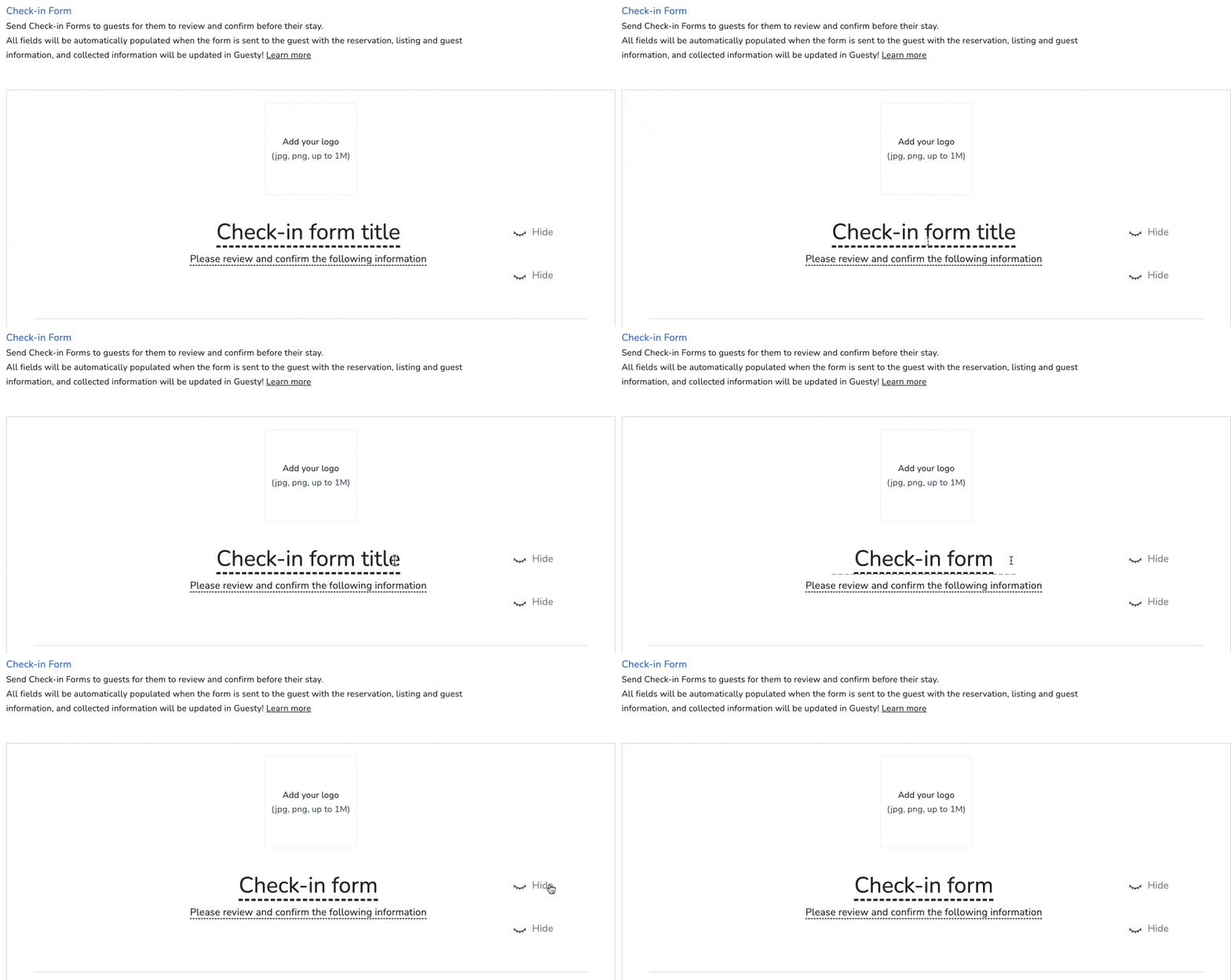
- Fill in all relevant information to customize the template:
- Click the thumbnail at the top to upload your company logo.
- Click to edit underlined text.
- Click Hide to remove a field, or click Show to add a field that has been hidden. (See more information below about mandatory and optional fields.)
- At the bottom, read the terms and Conditions/Privacy Policy and activate the checkbox.
- Click Save.
Check-in form fields explained
Mandatory fields cannot be hidden. All other fields included in the check-in form are optional, meaning the guest doesn't have to fill them out.
Mandatory fields:
- First name
- Last name
Optional fields that can't be hidden:
- Reservation number
- Property (name, not address)
- Check-in (date)
- Check-out (date)
All other fields can be hidden. When visible, the guest will not have to fill them out.
Edit check-in form template
Step by step:
- Sign in to your Guesty account.
- In the side navigation menu, click Operations to open the dropdown menu.
- Under Front desk, select Check-in form.
- Edit the form as needed.
- At the bottom, read the terms and Conditions/Privacy Policy and activate the checkbox.
- Click Save.
