Assign a conversation thread in the Guesty Inbox to the most relevant user in your account to confirm that the issue is handled correctly and promptly.
Step by step:
- Sign in to your Guesty account.
- In the side navigation menu, click
 Inbox.
 - In the Inbox submenu, select the relevant inbox.
- Click the relevant message thread.
- To the right of "Assigned to", click Select.
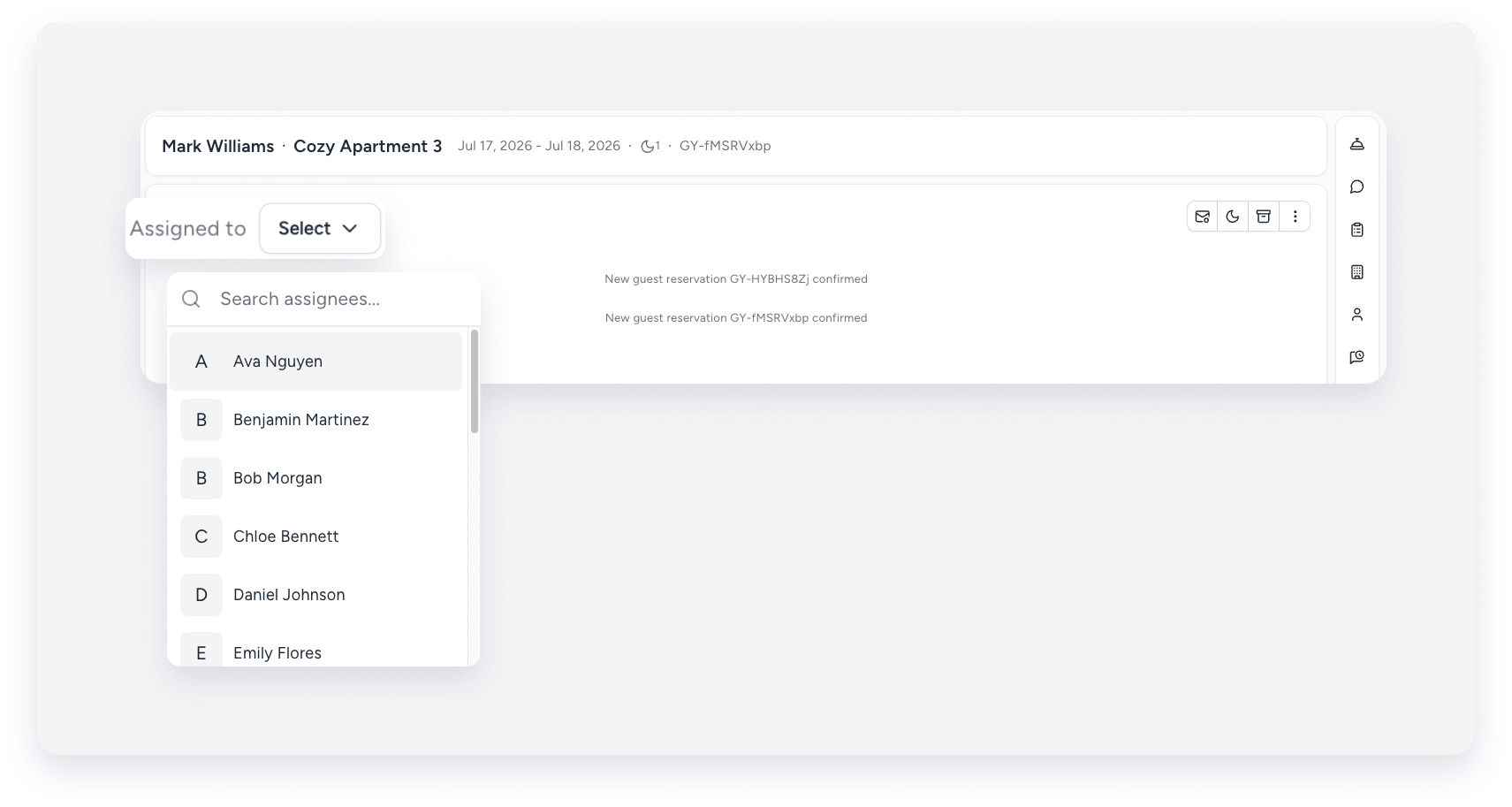
- From the dropdown, select the relevant user or search for their name.
The user receives a push notification on their mobile app that a conversation is assigned to them.
