Managing which listings generate owner statements helps keep your accounting organized. Guesty continues to generate monthly owner statements to report transactions from the moment a listing is assigned to a business model.
Use this guide to understand why a listing remains on a statement and how to stop generating statements for inactive owners or those with zero revenue.
Stop $0 revenue owner statements
If you want to prevent the system from creating statements when there is no financial activity, adjust your template settings.
Step by step:
- Sign in to your Guesty account.
- In the side navigation menu, click
 Accounting to open the dropdown menu.
 - Under Owner accounting, select Owner statements.
- At the top right, click Customize statements.
Under "General settings", toggle off Ability to generate zero income statements.
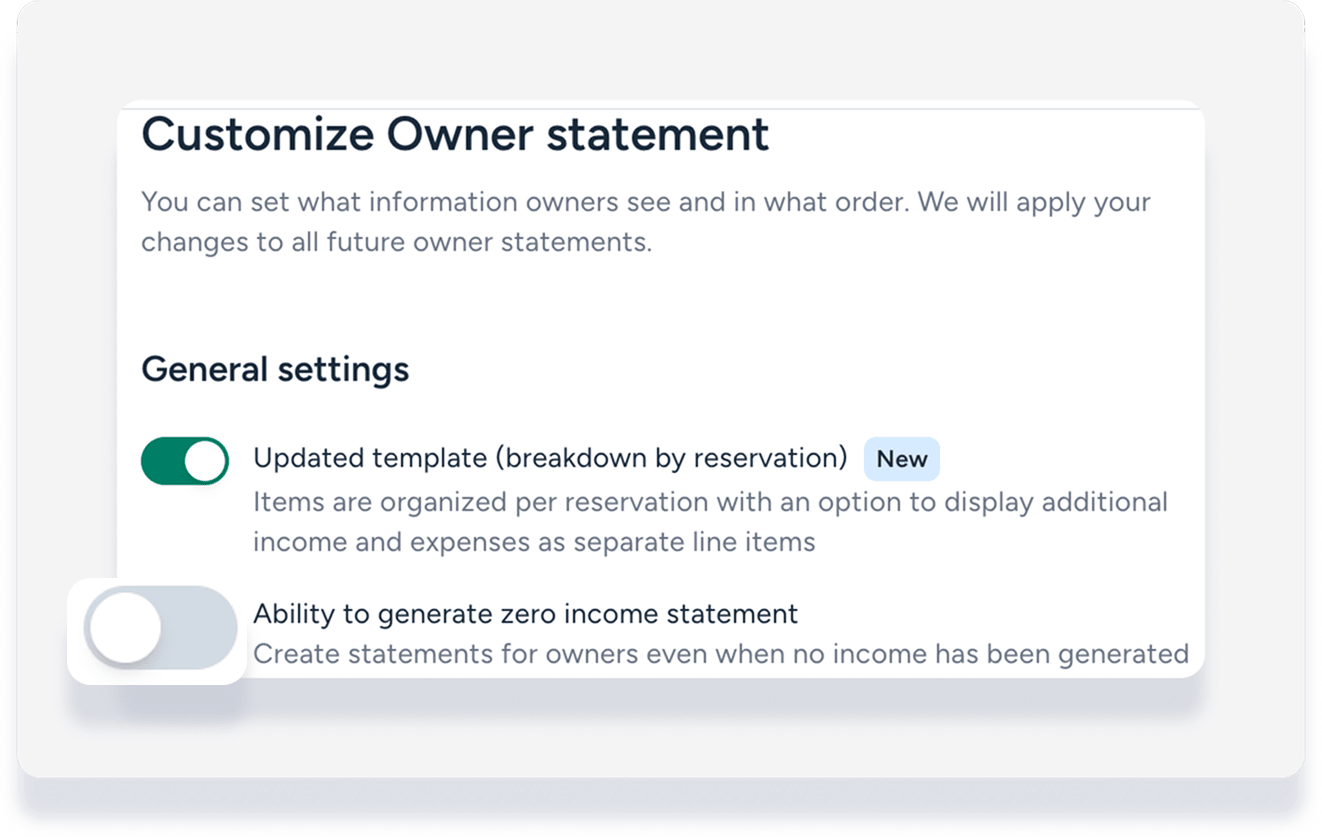
Stop statements for inactive listings
Guesty continues to generate statements in the following scenarios even if a listing is no longer active. Review these areas to stop future statements from appearing.
Manage active reservations
As long as a listing has upcoming reservations, the system generates statements to track the data.
Step by step:
Navigate to Listings and select the relevant listing.
Unlist and deactivate the listing to stop accepting new reservations.
If needed, move existing reservations to another listing.
Handle recurring transactions
A listing remains tied to owner accounting as long as it is assigned to a business model. If the business model includes recurring charges or expenses, monthly statements will trigger even without active reservations.
Follow the steps in Assigning or unassigning listings to a business model to remove the listing from the business model.
Troubleshoot owner statement visibility
What’s Happening
A listing still appears on an owner statement after it has been deactivated or the owner has left.
How to Fix It
Verify that all the following conditions are met:
The Ability to generate zero income statements toggle is off.
All reservations for the listing are completed, moved, or canceled.
The listing is unassigned from a business model.