Use the virtual tour URL field to add a 3D virtual tour link to your property, making it available on your listing page on the Vacasa channel.
This field is only available for Guesty accounts connected to Vacasa. It lets you enhance your listings by providing a rich, interactive experience for potential guests, which syncs automatically to Vacasa.
Limitations
- The link doesn't sync to any other booking channels or OTAs.
- To edit this field, you must have the permission to edit listings.
Add the virtual tour URL
Follow these steps to add the virtual tour link to your listing:
Step by step:
- Sign in to your Guesty account.
- In the side navigation menu, click
 Properties.
 - Click the relevant property.
- In the left-side menu, under "Marketing", click Photos.
- Under the "Virtual tour" section, click Add virtual tour link.
- To update an existing URL, click Edit.
-
Enter a valid URL.
- To copy the URL, click
 .
.
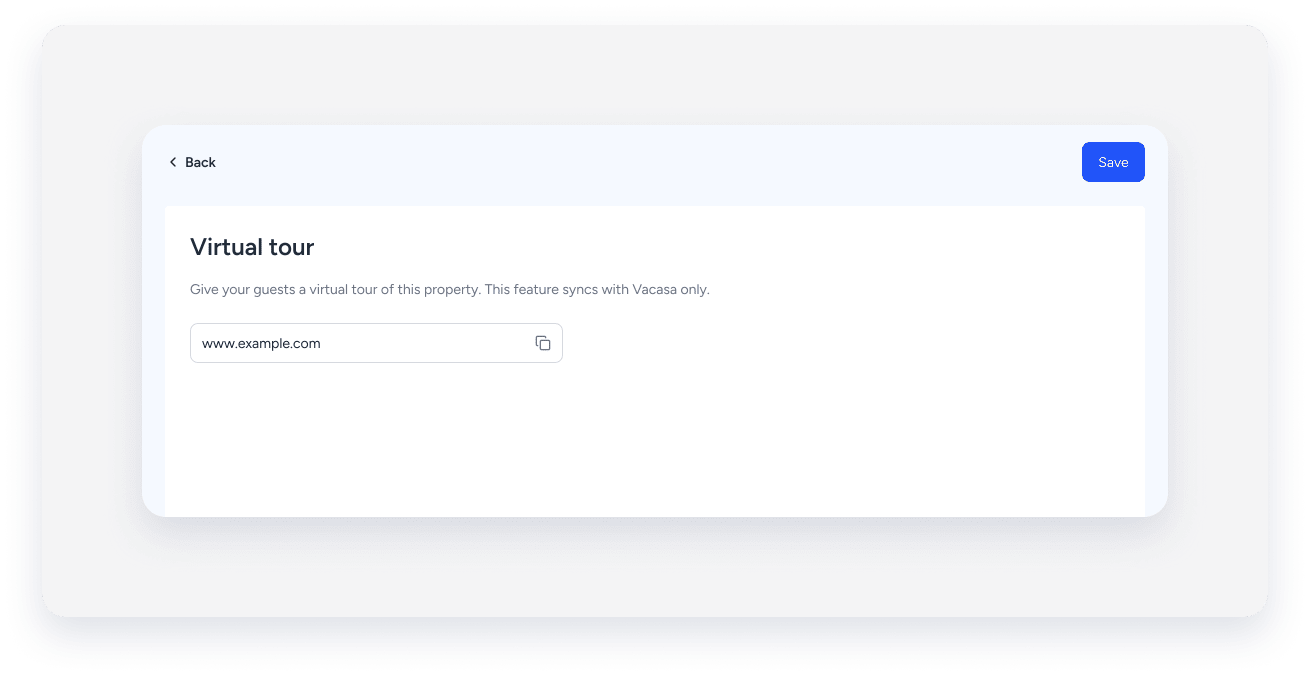
- To copy the URL, click
- At the top-right, click Save.
The virtual tour link syncs automatically to Vacasa for the selected listing.
