When setting up taxes in Guesty, create multiple instances of the same tax type, each with a custom name and different value, for example:
- Local tax 1: 10% per stay
- Local tax 2: 5% per stay
Channel limitations
Only Airbnb supports multiple instances of the same tax type. For all other channels, Guesty combines the tax instances into a single line item "[tax type]" with the total amount.
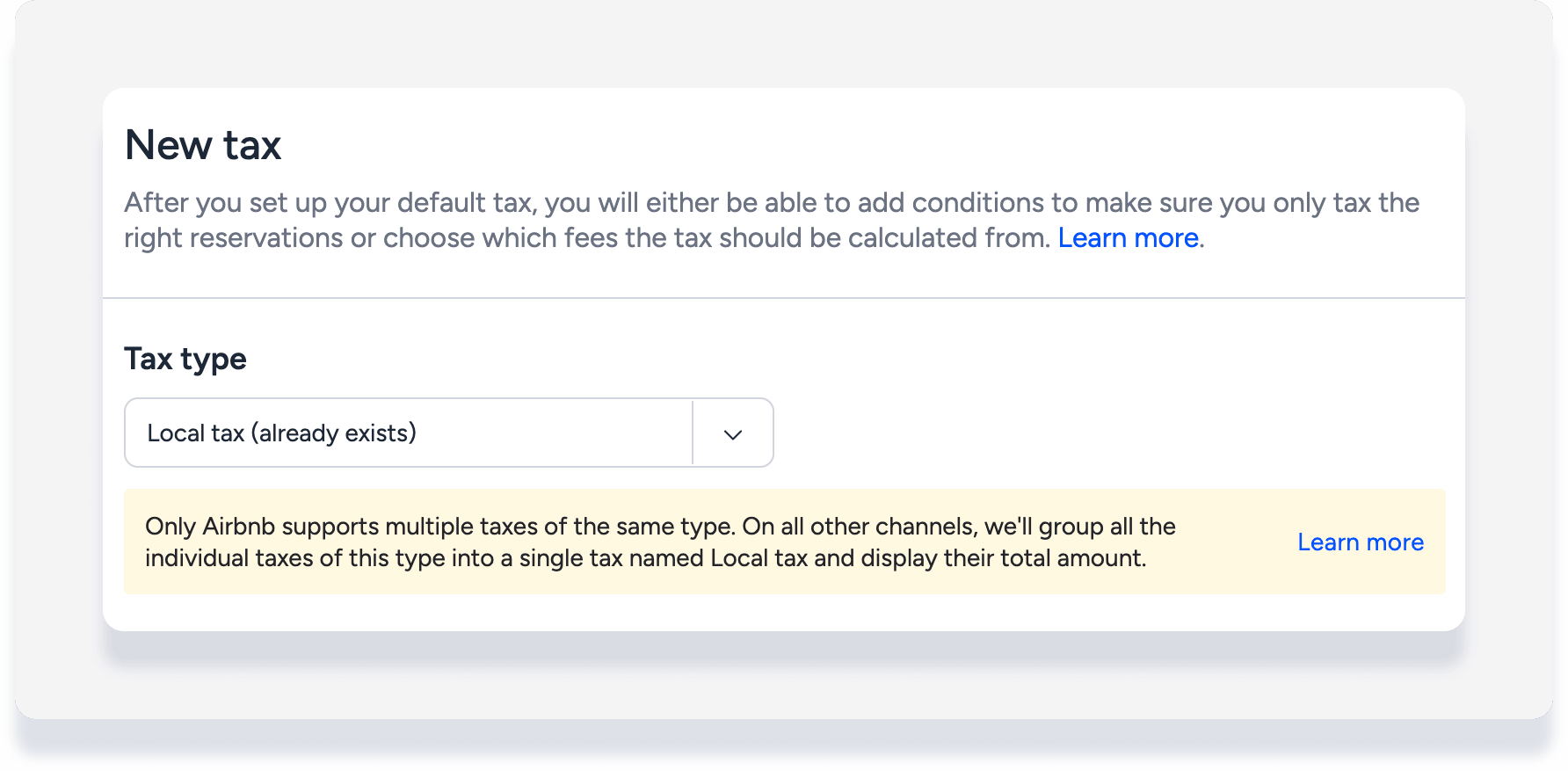
For example, in Guesty you create "local tax 1" at 10% per stay, and "local tax 2" at 5% per stay. The subtotal for the stay is $2,000.
How the taxes appear and are calculated for incoming reservations is different for Airbnb than for other channels.
Airbnb
The guest folio breakdown displays two separate line items:
"local tax 1" for $200 (calculated as 10% of $2,000)
"local tax 2" for $100 (calculated as 5% of $2,000)
Keep in mind that Airbnb limits up to 10 tax instances, which includes the same tax types. "Local tax 1" and "local tax 2" count as two of the maximum 10 tax instances allowed by Airbnb.
All other channels
The guest folio breakdown aggregates the two taxes and displays one line item. The name displayed is the tax type name, not the custom name. For example:
"local tax" for $300 (calculated as 15% of $2,000)
Note:
On the reservations report, the tax amount is aggregated and displayed as one line [tax type], even for Airbnb reservations.
Conditions for using a tax type multiple times
In order to define multiple taxes of the same tax type, the following conditions must be met:
-
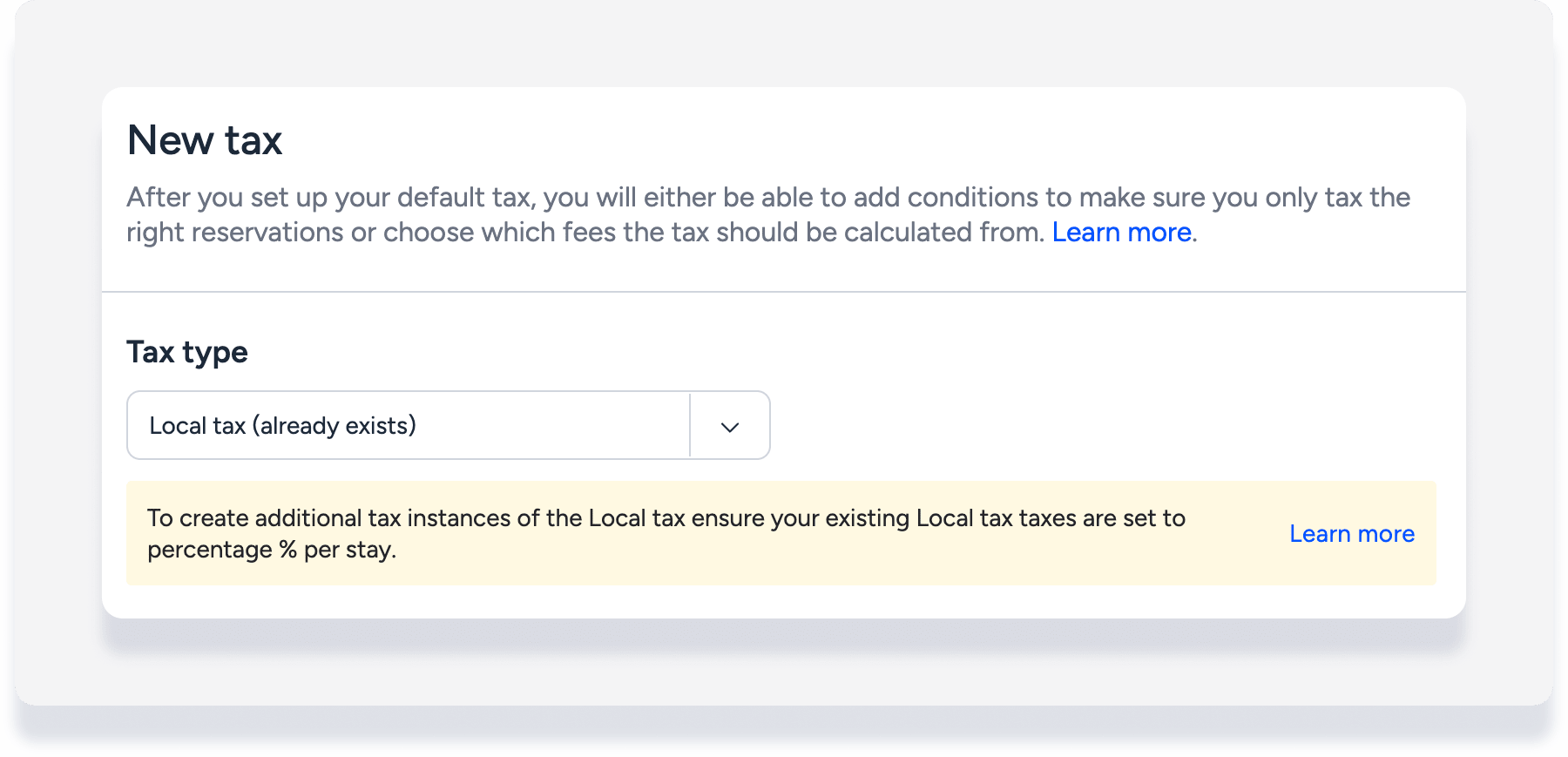
All taxes must use the quantifier of percentage per stay only. When you create a second version of the same tax type, if the version that already exists uses different quantifiers, you must change the first version to a percentage of stay.
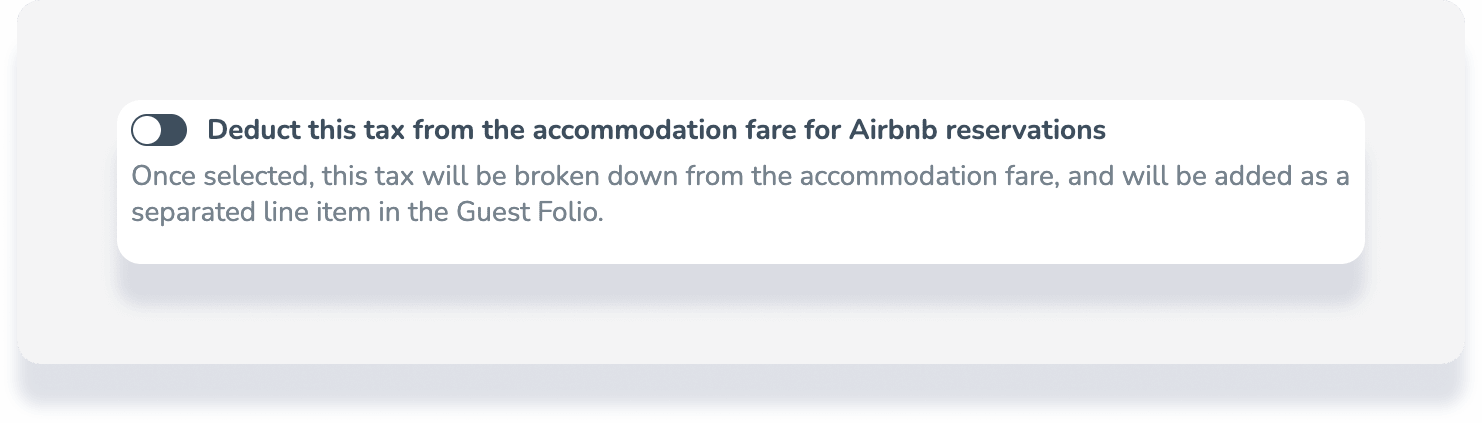
- The "Deduct tax from the accommodation fare for Airbnb reservations" toggle must be off.
- All instances of the same tax type must have the same settings and conditions.
When you define a new tax type instance when there is already an existing tax, any changes you make to the "invoice items to tax" and to any "additional conditions" are changed in all of your existing taxes that belongs to this tax type.
For example:
- Local tax 1 has been defined as 10% per stay, applying to the invoice item accommodation fare
- Local tax 2 is created at 5% per stay, applying to all invoice items
Once local tax 2 is saved, local tax 1 will be changed to apply to all invoice items.
Use a tax type multiple times with tax-inclusive pricing
Configure multiple inclusive taxes of the same type with different rates applied to different invoice items. For example, set "VAT" at 10% on the accommodation fare and "VAT" at 20% on the cleaning fee, with both included in the listed prices. Each instance appears as a separate line on the guest folio.
Rules and limitations
Unique tax names: Two taxes of the same type can't share a name.
Non-overlapping invoice items: Two inclusive taxes of the same type can't apply to the same fee.
All fees already assigned: Guesty blocks adding another instance if every invoice item is already covered by an existing inclusive tax of that type.
Same calculation method per type: All instances of a tax type must be either all included in price or all added on top (exclusive).
No additional conditions: Length of stay, date range, and by-night rules aren't supported.
To apply multiple inclusive taxes:
Create a new inclusive tax.
Set a unique name.
Select the relevant invoice items.
Repeat these steps for the same tax type using a different rate, a unique name, and different invoice items.
Review the table below for differences in applying multiple tax types:
| Included in price | Added on top | |
|---|---|---|
| Rate per instance | Different rate per instance | Different rate per instance |
| Invoice items | Each instance chooses its own (non-overlapping) | Shared — changing items on one updates all |
| Additional conditions | Not supported | Shared across instances |
| Quantifier | Follows tax-inclusive rules | Percentage per stay only |
| Channel display (non-Airbnb) | Each instance appears separately on the folio | Combined into one line per tax type |
| Airbnb display | Separate line per instance | Separate line per instance |