Guesty collects your business information to comply with global regulations. All information is handled in accordance with privacy laws and GDPR and won't be used for any other purpose.
Important:
Changing your company name, zip code, or Tax ID requires signing a new contract. Contact us to make these changes.
Update company information
Follow the steps below to update your business details in Guesty.
Step by step:
- Sign in to your Guesty account.
- In the side navigation menu, click
 Account and select Guesty billing from the dropdown menu.
 - Under the "Guesty billing" submenu, select Company billing info.
- Update the information fields.
- At the bottom of the page, click Save.
Understand information fields
Review the details below to understand the different company information fields.
Business type
Select either Registered company or I am an individual:
- Registered company: A business entity formed under corporate law that engages in business, charitable, or other permitted activities. This includes corporations, partnerships, trusts, and NGOs.
- Individual: A person with their own legal identity, not formed or administered under corporate law.
Details
Field names vary slightly depending on whether you selected a registered company or individual.
Company/full name
To change this field, contact us with your updated details (including your current address). We will prepare a new contract for you to sign.
VAT or Tax ID
This identifier is used for tax purposes. In some countries, it may be called a business number or fiscal registration number.
- Individuals should provide a personal identification number or tax identification number.
- The VAT ID must include the country prefix (for example, PT312038658).
- If the VAT or Tax ID field is grayed out, contact us for assistance.
Toggle on Include Australian business registration (ABN, ACN, or license) details and enter the requested information. If you're based in Australia or New Zealand and don't see these fields, contact us to enable the "Australian-based account" feature.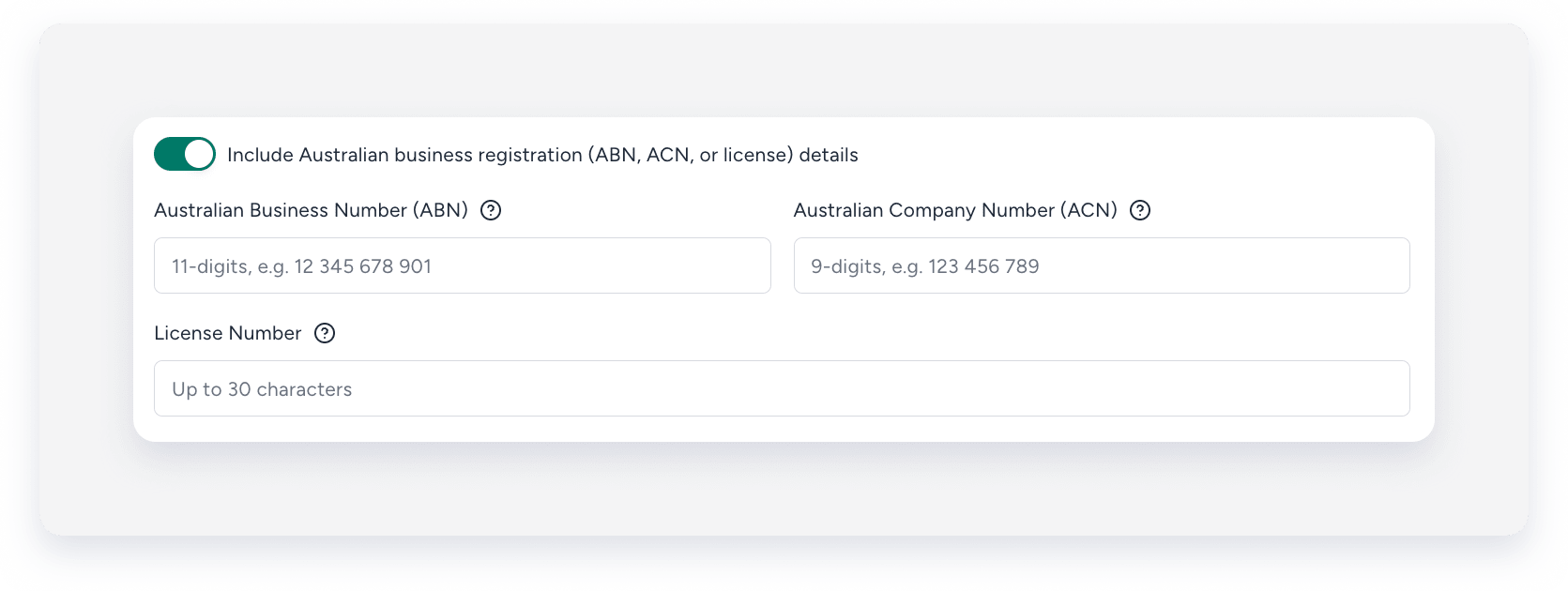
Business or personal address
Enter your business address (or personal address, if you're an individual). To update your country or zip code, contact us.
When updating your address, make sure to complete all required fields, including your VAT or Tax ID.
Contact details for billing purposes
Provide contact details for the person Guesty should reach out to if additional information is needed. The email address you enter here also appears at the bottom of quotes sent to guests.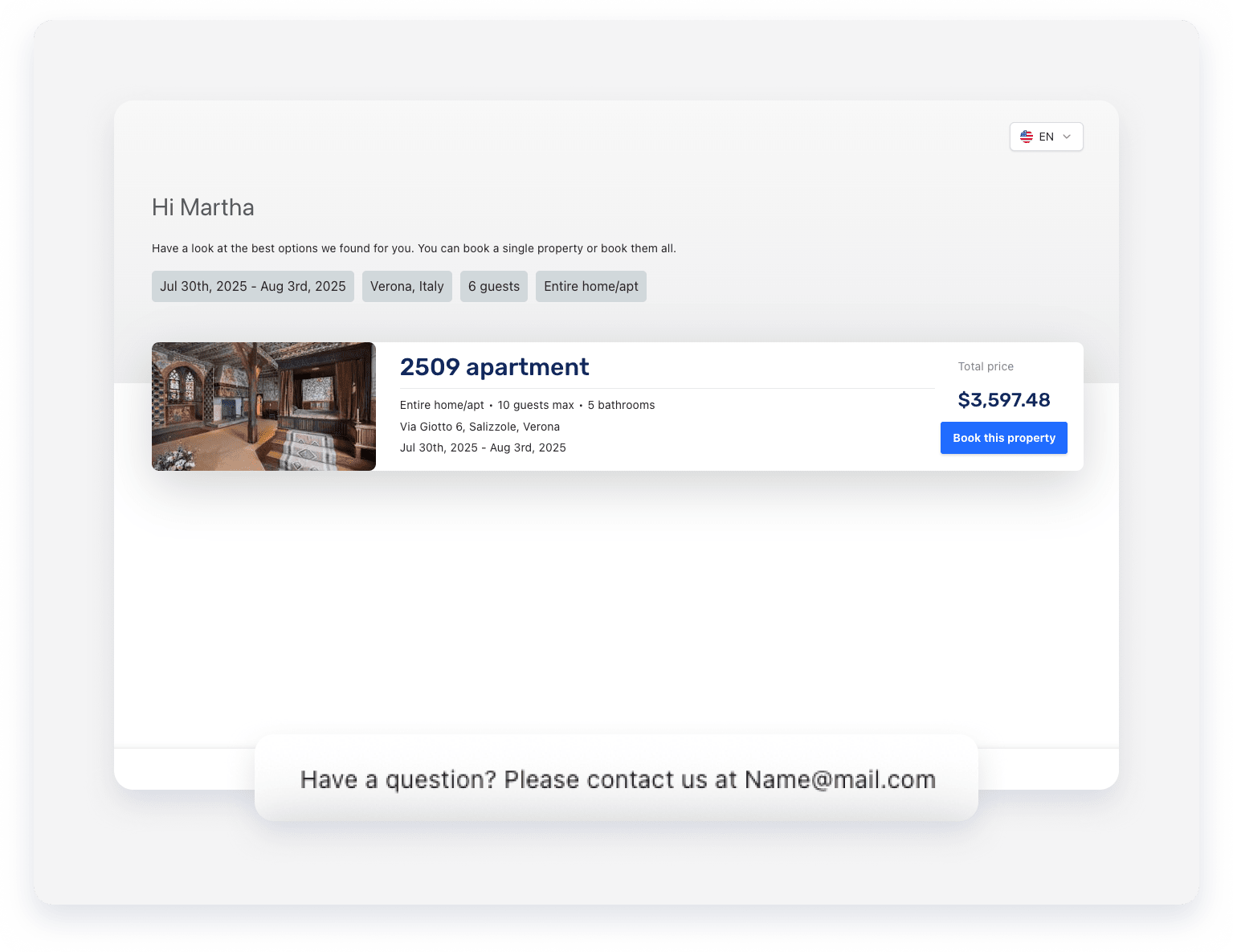
Tip:
When contacting us, provide the full address (street name, number, country, city, and zip code).
