You can personalize the guest invoice template when setting it up, but a specific guest invoice can't be edited. The guest invoice records services in a reservation and changes made.
One of the steps in the template set up is the guest folio setting:
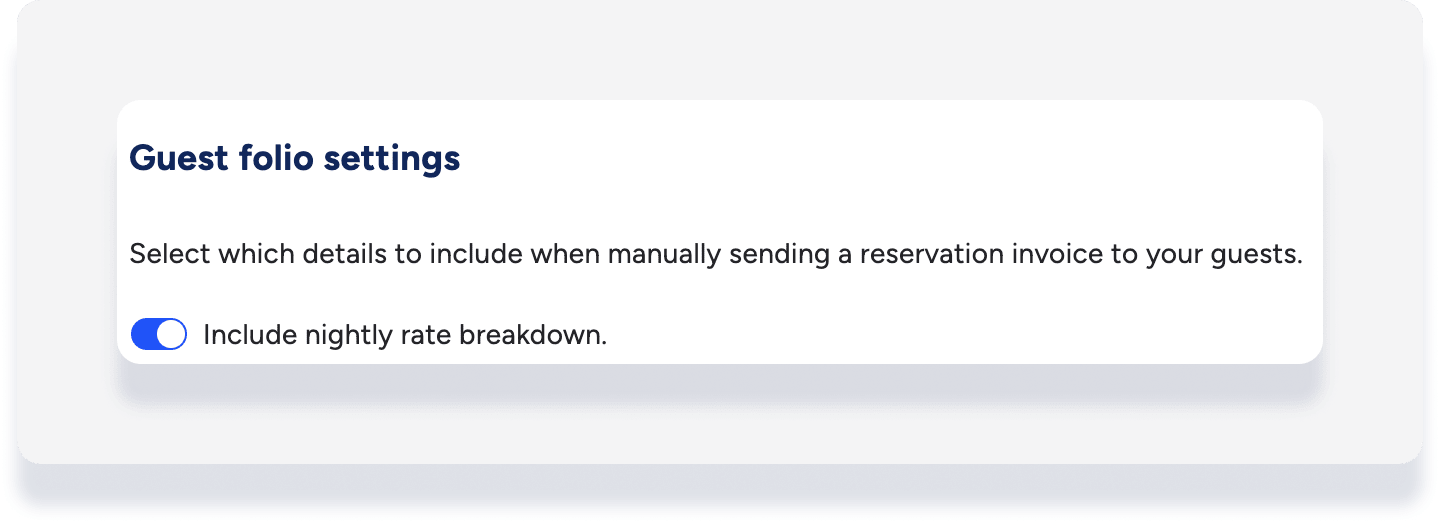
When "Include nightly rate breakdown" is toggled off, only the total amount is displayed in the guest invoice.
When "Include nightly rate breakdown" is toggled on, adjustments made to the guest folio - for example, discounting the accommodation fare, or adding a fee - are represented in the guest invoice as a line item.
An item can't be completely removed from the guest invoice. If an adjustment is made to bring the value of a line item to zero, it will still show on the guest invoice, as illustrated below.

The invoice link sent to the guest is static and doesn't update with subsequent changes. After updating the guest folio, you can send a new invoice.
