Guesty’s AutoComply automates the collection and reporting of guest data to authorities. This reduces your administrative workload and ensures compliance with local regulations, allowing guests a worry-free stay.
In Italy, you must report guest data to two separate authorities:
- Police (Alloggiati Web): Mandatory for all accommodation providers across Italy.
- Regional Statistics (ISTAT): Varies by region (e.g., Ross 1000, Turismo5, Ricestat).
Follow the steps below to connect both systems.
Connect to police authorities
Alloggiati Web is Italy's official system for reporting guest data to police authorities. All accommodation providers must register guests through this portal.
Prerequisites
Before setting up your integration, confirm that you meet the following requirements:
- Register your accommodation facility with the Italian police (Questura).
- Obtain Alloggiati Web access credentials.
- Have your facility code ("Codice Struttura") available.
- Confirm your tourism license is current and valid.
Add details in AutoComply
Once you have your credentials, follow the steps below to connect the property.
Step by step:
- Access the AutoComply dashboard.
- Select the relevant property.
-
Click the Authority connection tab.
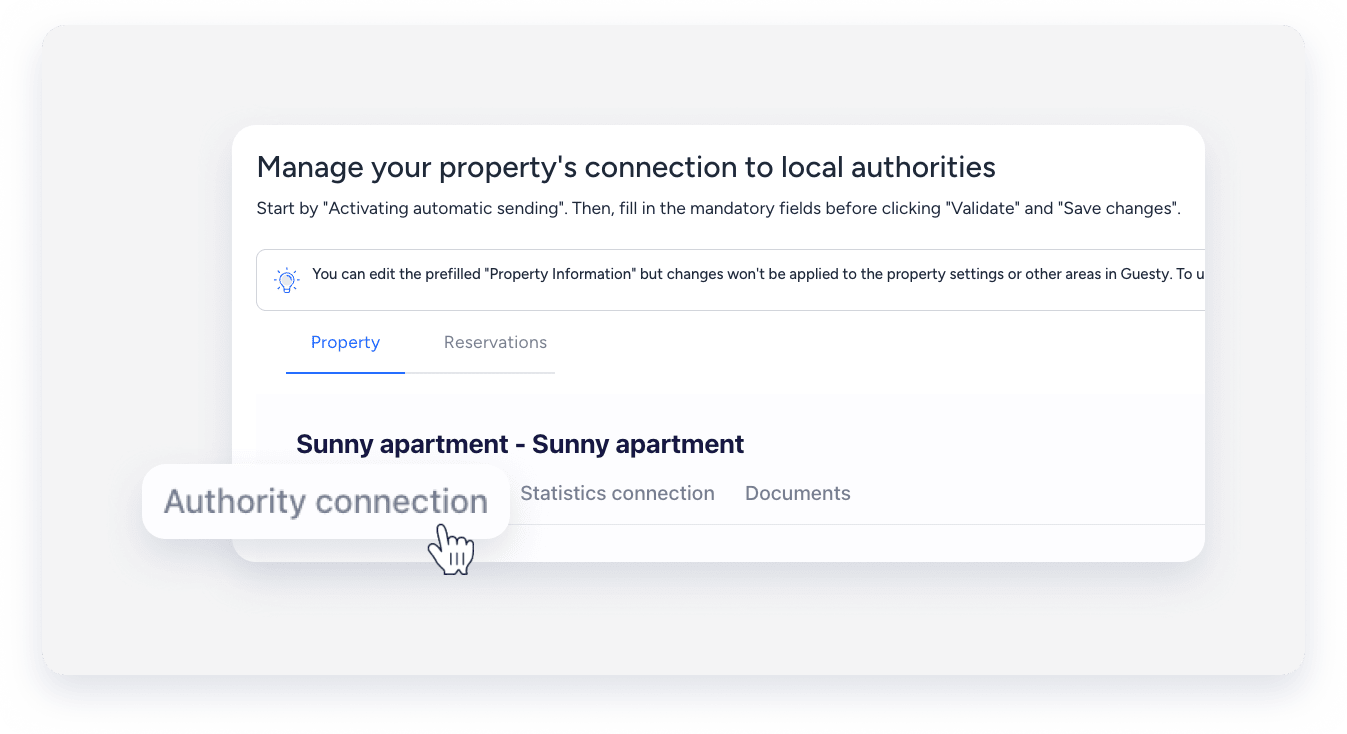
- Under the "Authority connection" section, toggle on Activate sending of guests data to your police account.
- Click Send info to and select Alloggiati web.
- Enter your username, password, and “Service key”.
- Click Validate.
- Click Save changes.
- At the top right, click Next.
Connect to regional statistical portals (ISTAT)
In addition to police reporting, many Italian regions require statistical data reporting to ISTAT. AutoComply supports automatic integration with several regional portals, including Ross 1000, Turismo5, Ricestat, and Campania Sinfonia.
Supported regions
Check the list below to identify the system used in your region:
- Lazio, Lombardy, Piedmont, Veneto: Typically use Ross 1000 or Turismo5.
- Campania: Uses EPT / Sinfonia.
- Umbria: Uses Turismatica.
- Trento: Uses STU.
- Sicily: Uses the Tourism Observatory.
- General: Many municipalities use PayTourist or Ricestat.
Important:
The Puglia region (using the SPOT/DMS system) doesn't currently support automatic API transmission. You must download the report from AutoComply and upload it manually. Learn how to generate a statistical report.
Connect the property in AutoComply
Use the steps below to connect to portals that support automatic transmission (such as Ross 1000, Sinfonia, or Ricestat).
Step by step:
- Access the AutoComply dashboard.
- Select the relevant property.
-
Click the Statistics connection tab, and toggle on Activate overnight stay report.
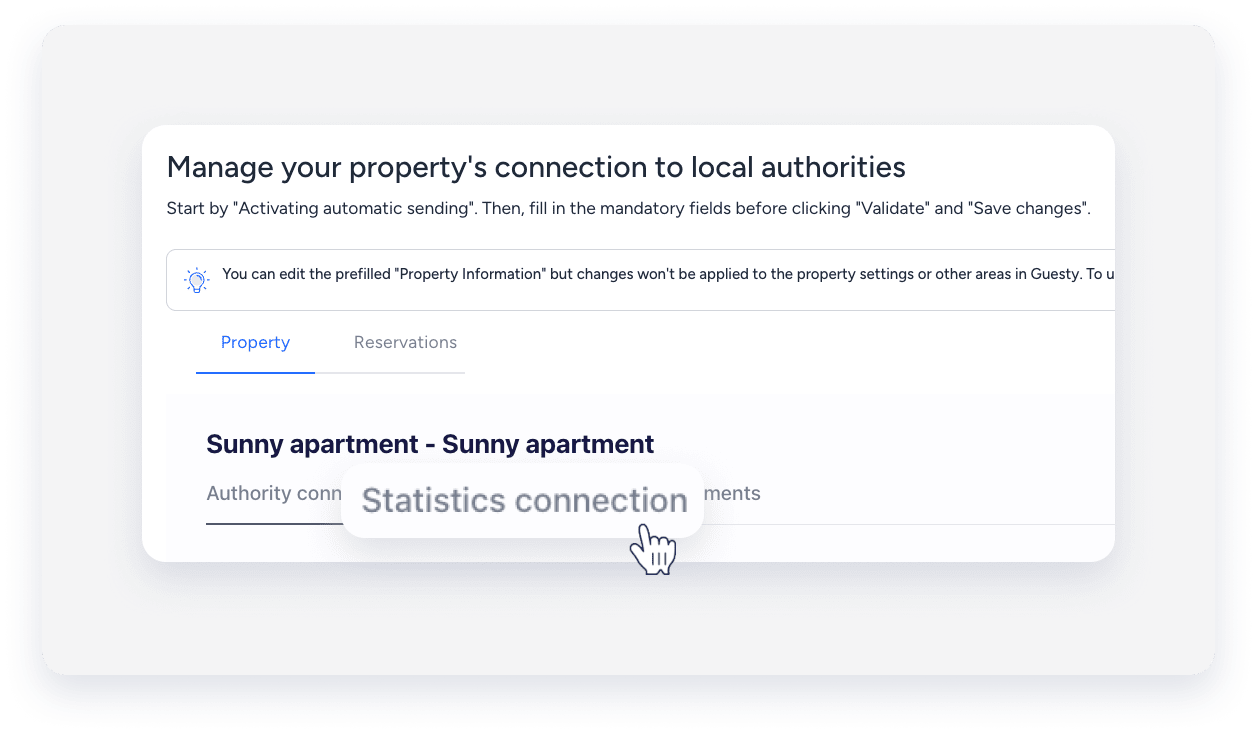
- Click Region and your region’s provider according to the supported regions above.
- Enter the required credentials.
- Credentials vary by portal. Check the credentials guide below for details.
- Click Validate.
- Click Save changes.
Credentials guide
Ensure you have the specific data required for your region's portal:
- Ross 1000 / Turismo5 (Lazio, etc.): You must enter your "Username", "Password", "Facility code" (or "Codice Struttura"), "Number of rooms", and "Number of beds".
- Campania (Sinfonia): You must enter your "CUSR" (Regional Structure Identification Code) and "API Key". You can find the API Key in the Sinfonia Turismo Smart portal.
- Ricestat / Turismatica: You typically need your "Username", "Password", and "Facility code".
Guest registration requirements
Italian law requires you to register specific information for all guests.
You must register the following individuals:
- All guests, including Italian citizens.
- Day visitors using accommodation facilities.
- Business travelers and tourists.
- Any guest staying overnight, regardless of duration.
AutoComply collects and submits the following data:
- Personal details: Full name, date and place of birth, nationality, and address.
- Document information: ID card or passport number, issuing authority, and expiration date.
- Stay information: Arrival date, expected departure date, and number of nights.
- Accommodation details: Room number, listing address, and facility type.
