Guesty’s AutoComply automates the collection and reporting of guest data to authorities. This reduces your administrative workload and ensures compliance with local regulations, allowing guests a worry-free stay.
See below for the steps to connect AutoComply to SEF and RNET.
Connect to police authorities
Follow the steps below to connect the property.
Step by step:
- Access the AutoComply dashboard.
- Select the relevant property.
-
Click the Authority connection tab.
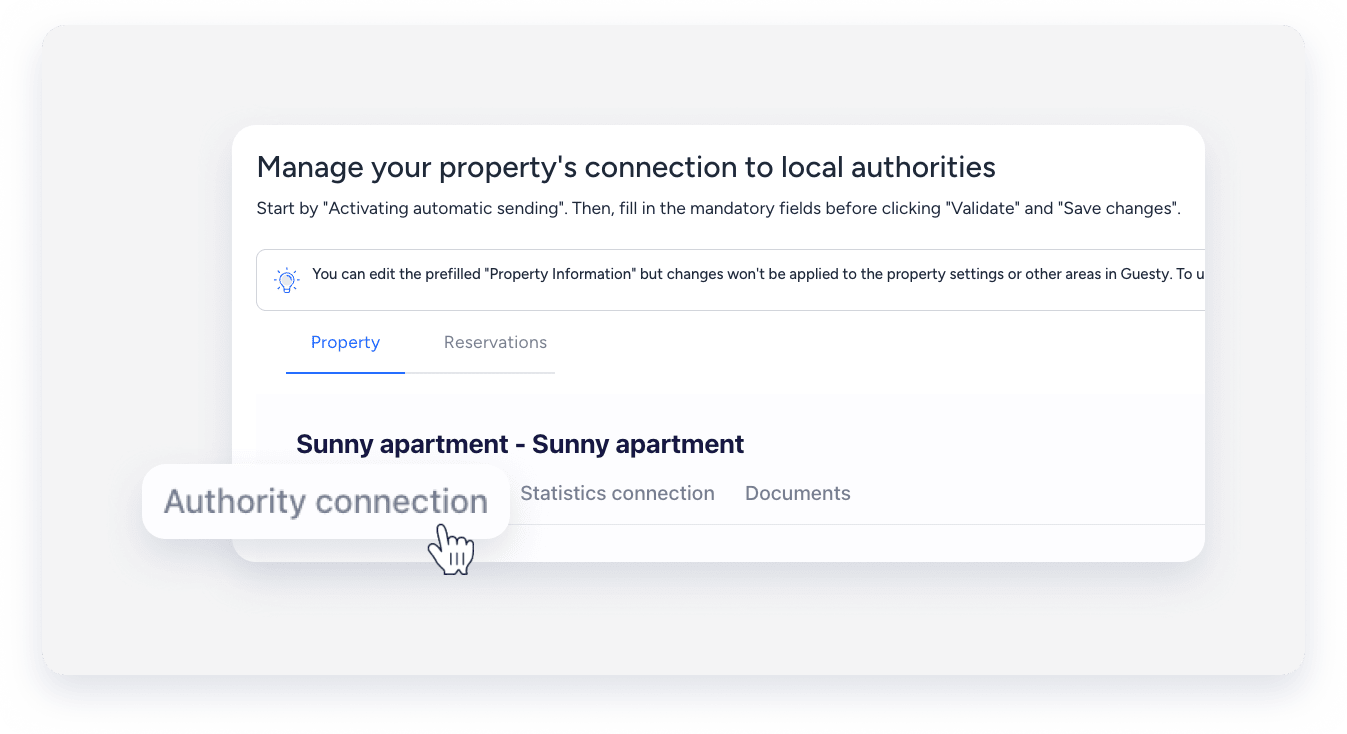
- Under the "Authority connection" section, toggle on Activate sending of guests data to your police account.
- Click Send info to and select SEF-SIBA Web Service Integration.
- Enter your SEF credentials:
- Hotel unit (NIF)
- Password
- Establishment number
- For the web integration, enter the "Postal code", "Postal area", "Contact name", "Email contact", and phone number.
- Click Validate.
- Click Save changes.
- At the top right, click Next.
Note:
AutoComply sends guest data automatically on the day of check-in, around 7:00 PM. If a guest registers after this time, send the data manually.
