Guesty’s AutoComply automates the collection and reporting of guest data to authorities. This reduces your administrative workload and ensures compliance with local regulations, allowing guests a worry-free stay.
See below for the steps to connect your properties to SIRE and TRA.
Connect to police authorities
SIRE is Colombia's official system for registering foreign guests with the police. AutoComply automatically submits guest data to SIRE to ensure compliance with law enforcement requirements.
Step by step:
- Access the AutoComply dashboard.
- Select the relevant property.
-
Click the Authority connection tab.
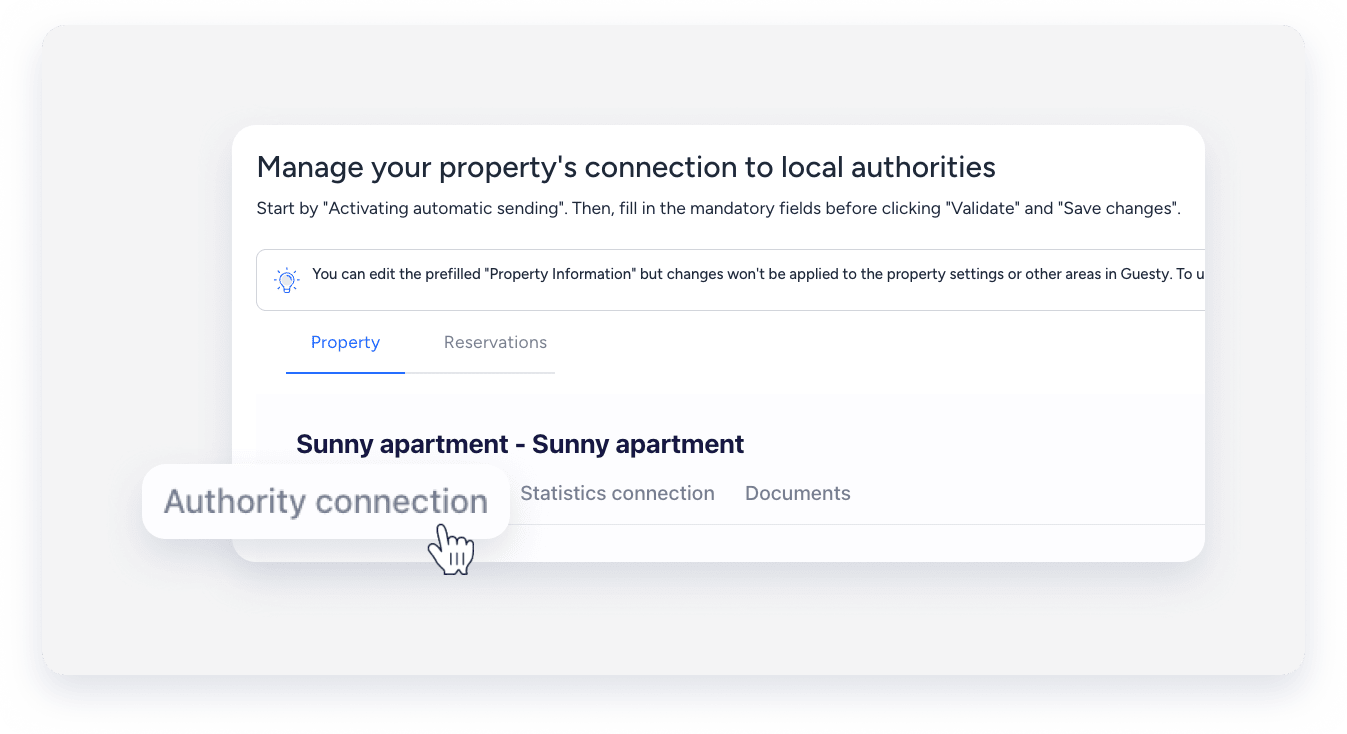
- Under the "Authority connection" section, toggle on Activate sending of guests data to your police account.
- Click Send info to and select SIRE.
- Click Type of document, and select the options you selected from the “Tipo de documento” field when logging into SIRE.
- Enter your username, password, and “Document number” (“Numero de documento” field when logging into SIRE ).
- Click Validate.
- Click Save changes.
- At the top right, click Next.
Connect to TRA
The TRA system collects tourism statistics for government reporting. Connect to TRA to comply with national tourism data requirements.
Statistical reports are generated automatically based on your booking data. This includes guest nationality, length of stay, and accommodation details.
Follow the steps below to connect:
Step by step:
- Access the AutoComply dashboard.
- Select the relevant property.
-
Click the Statistics connection tab, and toggle on Activate automatic reports to the TRA.
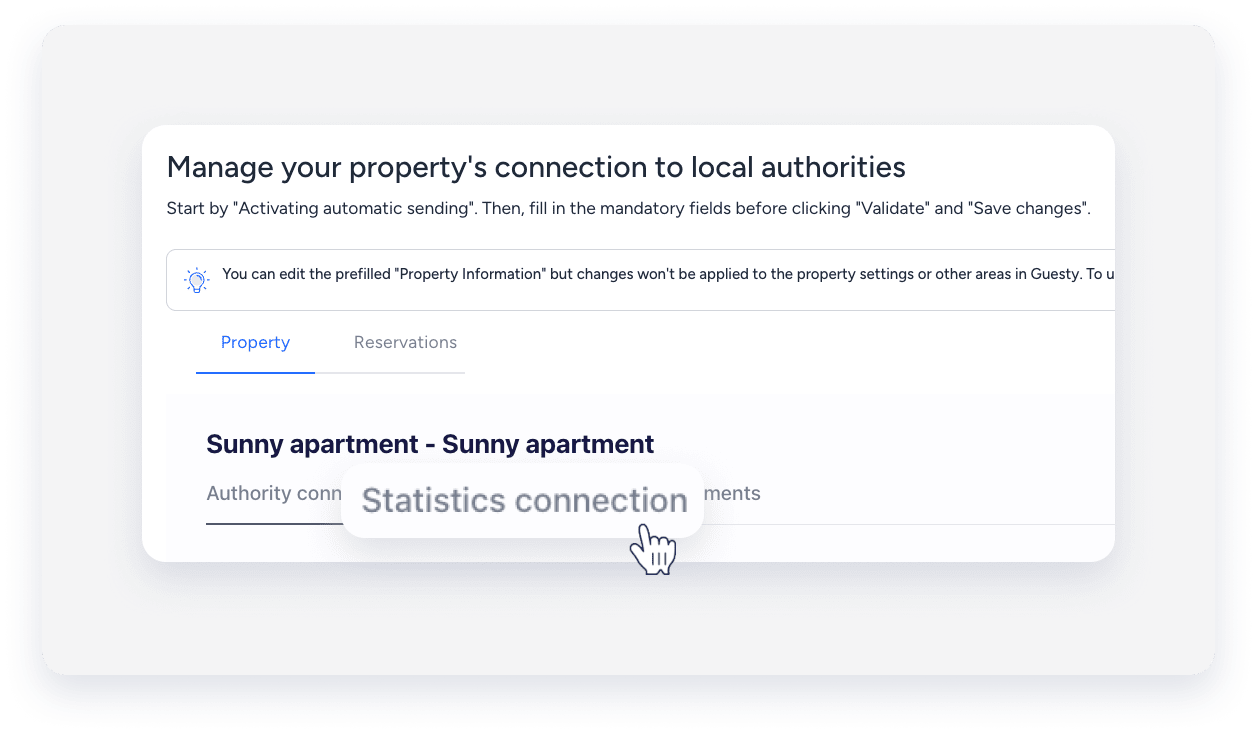
- Enter your “TRA authorization token”.
- To generate the token, visit the “PMS Token Request” page and enter the RNT number of the property. The TRA will send your token to your email.
- Click Validate.
- Click Save changes.
- At the top right, click Next.
Note:
AutoComply sends guest data automatically on the day of check-in, around 7:00 PM. If a guest registers after this time, send the data manually.
FAQs
Is the report sent in the currency of the PMS?
Yes. The information comes from the PMS parameter synced via API. For example: "costo": 100.0.
If a guest makes a mistake, can I update the information and resend the report? No. At the moment, you can’t update data already sent to TRA. You must detect any mistakes before the automatic sending at 19:00 UTC on the check-in date.
If a guest arrives late, can I complete the form the next day?
Yes. You can send the data at a later date. Registrations always use the check-in date of the booking for the TRA registration, regardless of when it is sent.
