Important:
Once the property is converted, billing starts.
Use test properties to experiment with Guesty features and train your team without affecting your billing or analytics. These properties have specific limitations. When you're ready to start hosting, convert your test property to a bookable single-unit listing to remove these restrictions.
Follow the steps below to convert a test property to a bookable single-unit:
Step by step
- Sign in to your Guesty account.
- In the side navigation menu, click
 Properties.
 - Select the relevant property.
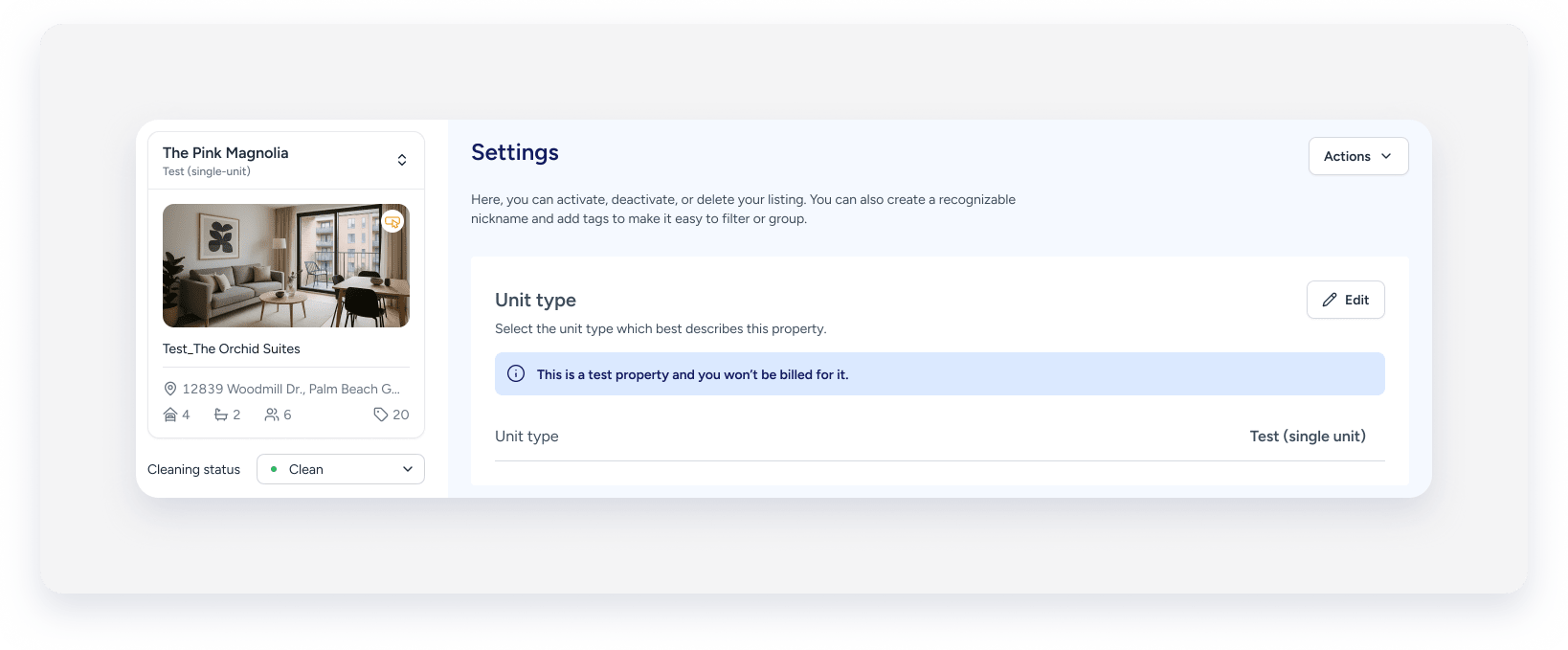
- In the left-side menu, click "Settings".
-
Next to "Unit type", click Edit.
- From the dropdown, select Single-unit.
- At the top-right, click Save.
- In the pop-up, click Convert to single-unit.
The "TEST_" title prefix will be removed.
