Guesty’s AutoComply automates the collection and reporting of guest data to authorities. This reduces your administrative workload and ensures compliance with local regulations, allowing guests a worry-free stay.
See below for the steps to connect your properties to UbyPort Police Portal.
Connect to police authorities
Follow the instructions below to request your credentials and configure the integration in AutoComply.
Prerequisites
Request your web service credentials by sending an email to reguby@pcr.cz. Include the IDUB codes (UbyPort IDs) for each of your properties.
Use the following template for your request:
Subject: Access to UbyPort 2.0 Web Service
Message: "Hello, we would like to send guest data via web service from AutoComply to UbyPort 2.0. Please provide us with the necessary username and password for the web service connection. For this, we are including the IDUB codes of all our properties."
Connect the property in AutoComply
Once you have your credentials, enter them into AutoComply to finish the setup.
Step by step:
- Access the AutoComply dashboard.
- Select the relevant property.
-
Click the Authority connection tab.
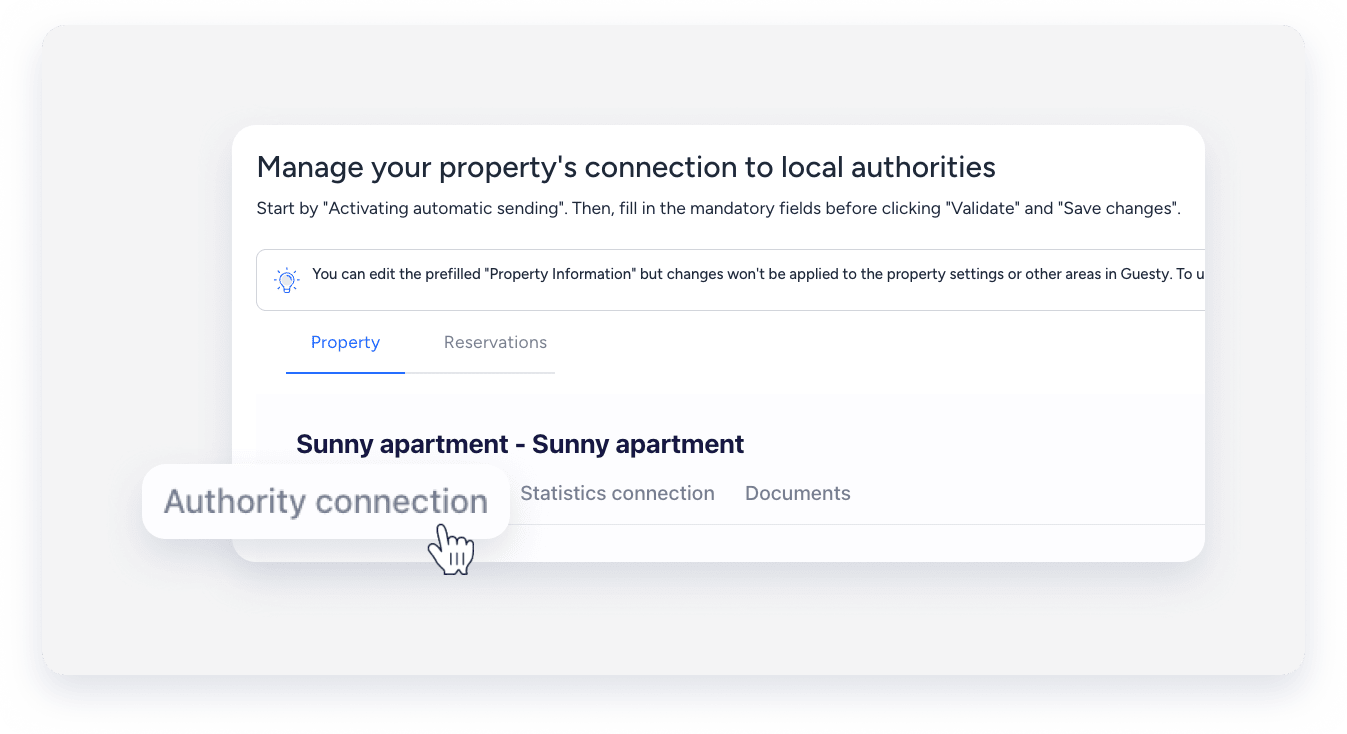
- Under the "Authority connection" section, toggle on Activate sending of guests data to your police account.
- Click Send info to, and select UbyPort v2 (beta).
- Enter your username, password, and IDUB.
- Click Validate. Then, click Save changes.
- At the top right, click Next.
Note:
AutoComply sends guest data automatically on the day of check-in, around 7:00 PM. If a guest registers after this time, send the data manually.
