Guesty’s AutoComply automates the collection and reporting of guest data to authorities. This reduces your administrative workload and ensures compliance with local regulations, allowing guests a worry-free stay.
See below for the steps to connect your properties to eVisitor Police Portal.
Connect to police authorities
Follow these steps to connect AutoComply to the eVisitor Police Portal in Croatia.
Step by step:
- Access the AutoComply dashboard.
- Select the relevant property.
-
Click the Authority connection tab.
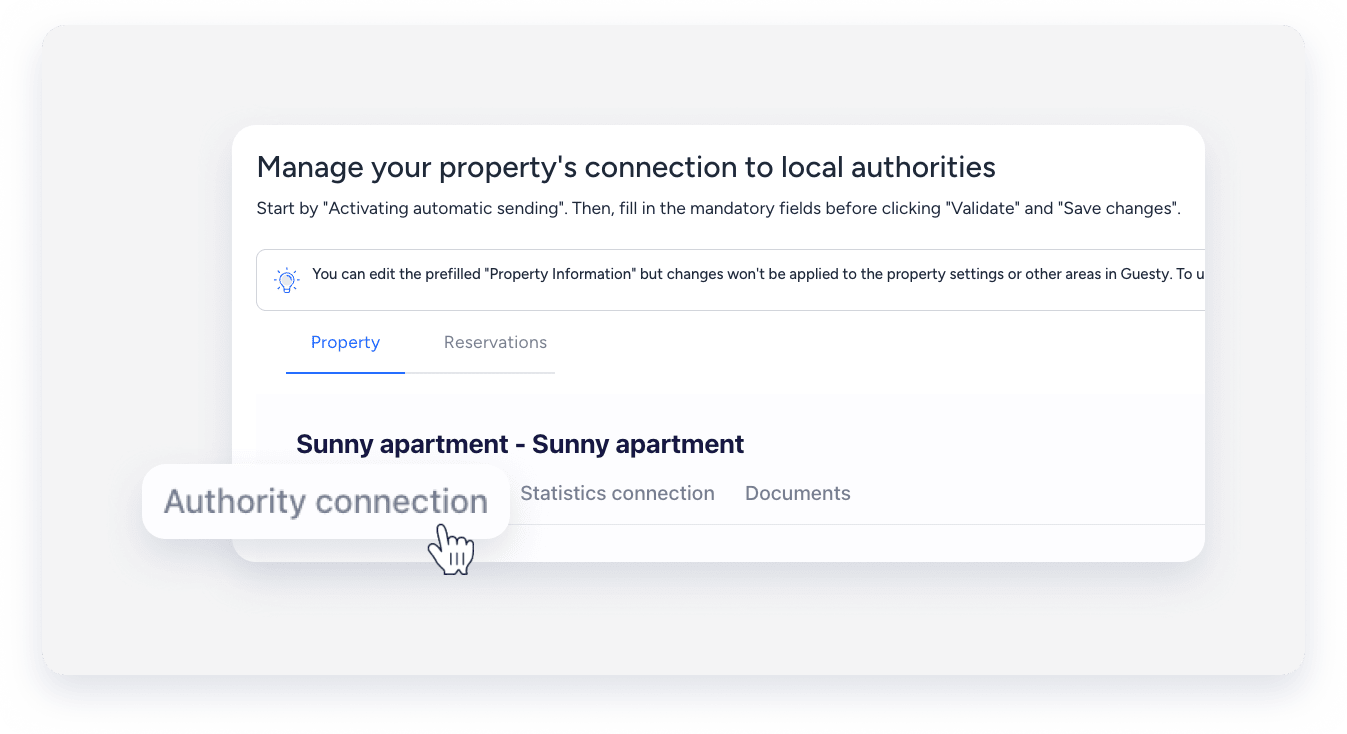
- Under the "Authority connection" section, toggle on Activate sending of guests data to your police account.
- Click Send info to, and select eVisitor V2.
- Enter your username, password, and "External id" (Oznaka).
- Click Validate.
- Click Save changes.
- At the top right, click Next.
Note:
AutoComply sends guest data automatically on the day of check-in, around 7:00 PM. If a guest registers after this time, send the data manually.
