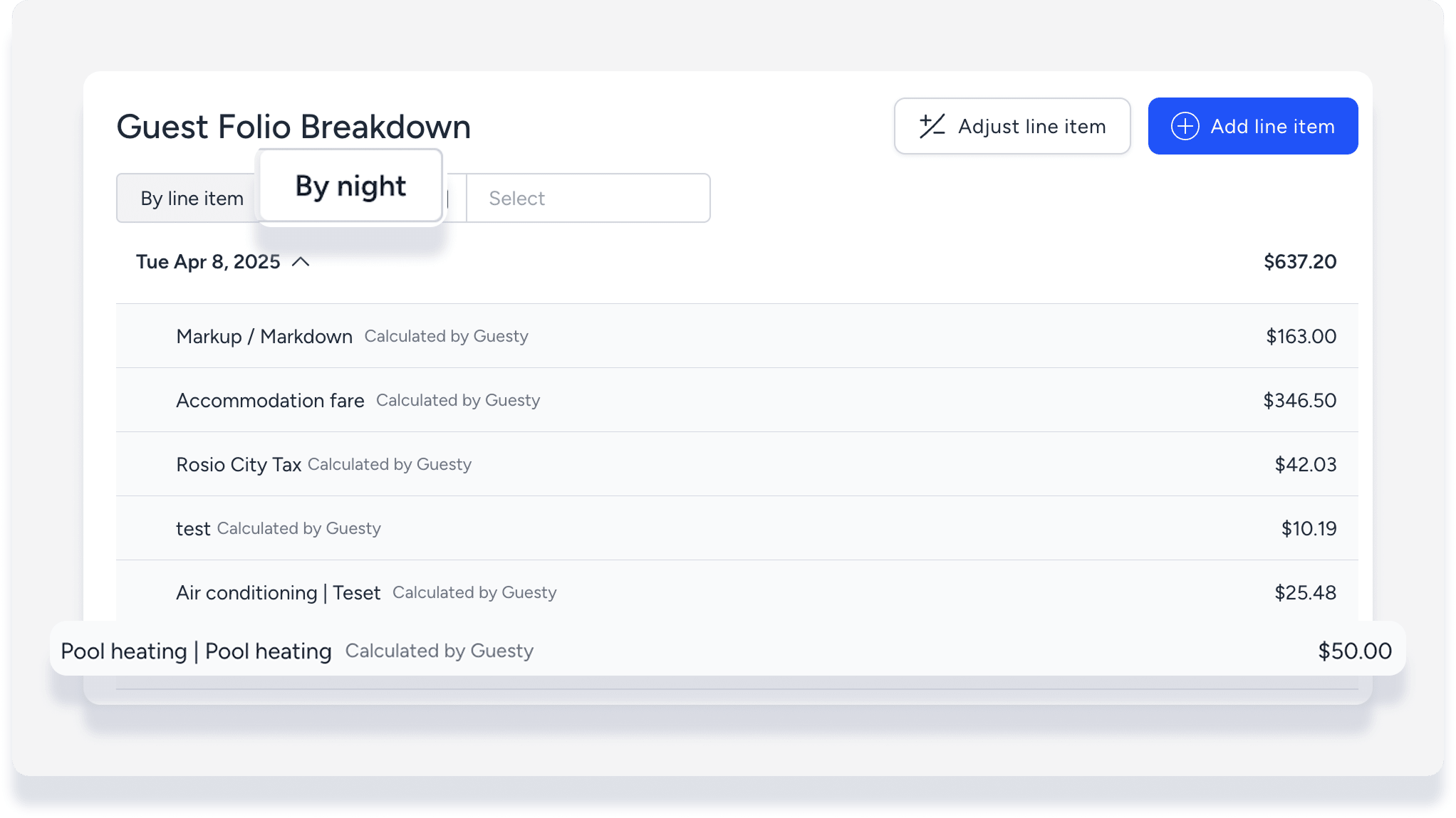
When making an adjustment to the guest folio, you have the option to break down the price nightly across all nights, or keep it applied to a specific realization date.
Make adjustment recognized nightly
Step by step:
- Sign in to your Guesty account.
- In the side navigation menu, click
 Reservations.
 - Select the relevant reservation.
- In the left submenu, click Guest folio and invoice.
- In the guest folio breakdown, click Adjust line item or Add line item. If you have multiple entries for the same line item, click the specific line item to adjust.
- In the pop-up, select the line item or type of item to add.
- Enter a flat or percentage value. To deduct, enter a negative number.
- Select Break the amount to be realized nightly.
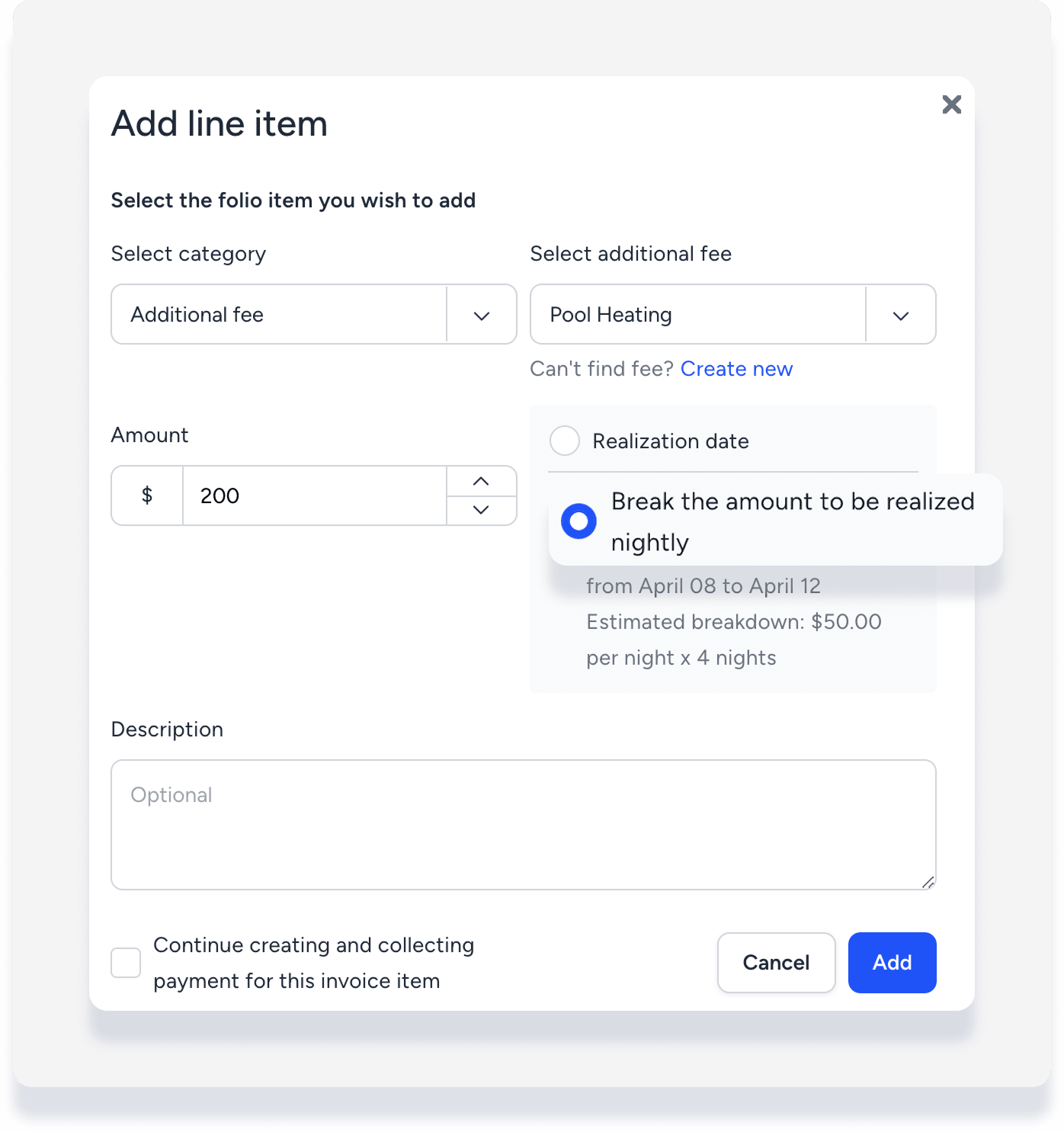
- Click Adjust or Add.
In the guest folio breakdown, click By night then click each night to see details.