After you add an annual nights limit to a property, you can track the number of booked nights for the current year directly in the Multi-Calendar. This helps you stay on top of local regulations and plan your availability effectively.
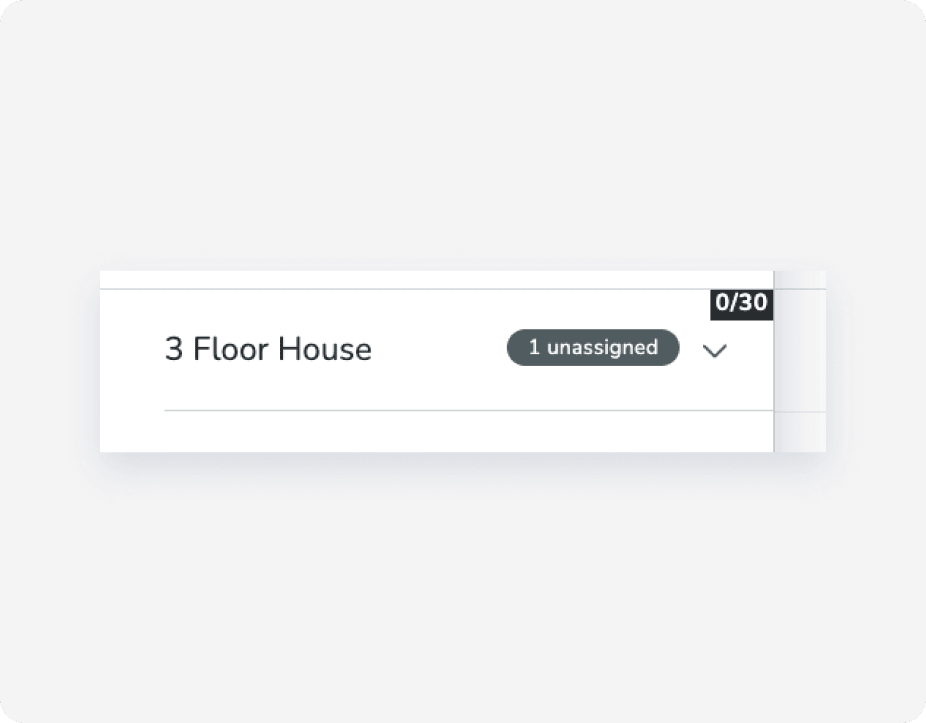
View the count of booked nights versus the total limit in the "Properties" tab on the left-side menu of the Multi-Calendar. For example, a property named "3 Floor House" with no bookings yet would display as "0/30" if the limit is 30 nights.
Note:
- If you've reached the annual night limit, a block will be created in the Multi-Calendar for the remainder of the year. Hover over the block to see additional information.
- You can also create a custom report for listings, and add specific columns to view the annual nights limit.
