The Guesty Booking Engine is a simple, static booking portal where guests can view availability and book their reservations. This online booking solution helps you avoid third-party distribution fees and maintain control over the guest experience.
Follow the instructions below to preview your site when building or editing it before publishing.
Step by step:
- Sign in to your Guesty account.
- In the side navigation menu, click
 Marketing and sales to open the dropdown menu.
 - Under Channel management, select Distribution.
- Click the Guesty Booking Engine thumbnail.
-
In the relevant Booking Engine row, click the hyperlink below the Booking Engine name to preview your Booking Engine.
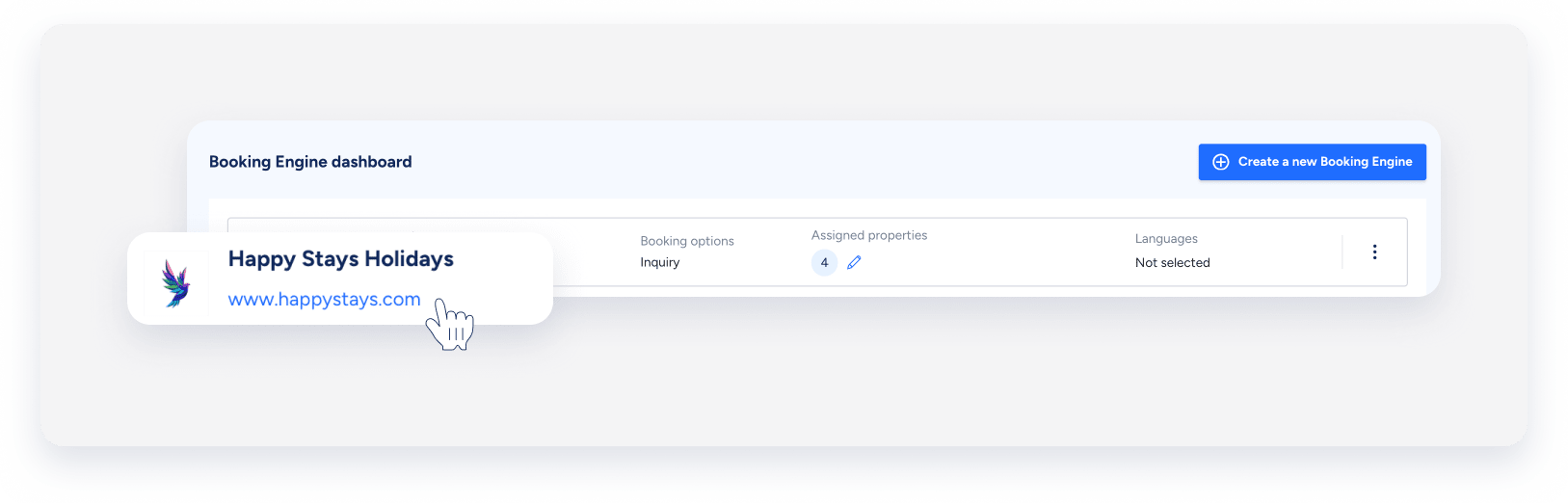
Your Guesty Booking Engine will open in a new tab.
