Use these frequently asked questions to understand how guest folio adjustments impact Guesty Accounting and owner statements. For general questions, see FAQs: Guest folio adjustments.
The realization date determines when revenue is recognized in your accounting reports and owner statements. To keep your books clean, check the related business model and apply the same logic for the recognition date (check-in, check-out, or nightly). If this isn’t possible, find the original item in the PMC sub-ledger of the accounting folio and use the same "recognition date" listed there.
When adding or adjusting a line item, select Break the amount to be realized nightly in the pop-up. This spreads the value across all nights of the reservation. If a reservation spans two different months, the revenue will be split across the owner statements for both months based on the number of nights in each.
When you add or adjust a taxable line item, Guesty automatically recalculates the related taxes. To avoid unintended recalculations for taxes set to “% of stay,” we recommend reversing the transaction or adding a manual journal entry instead of adjusting the guest folio.
This typically happens for two reasons. If the period is "Locked," you must click Reprocess Reservation after making the adjustment. Alternatively, if the selected realization date is in a different month, the change will appear on the statement for that specific month.
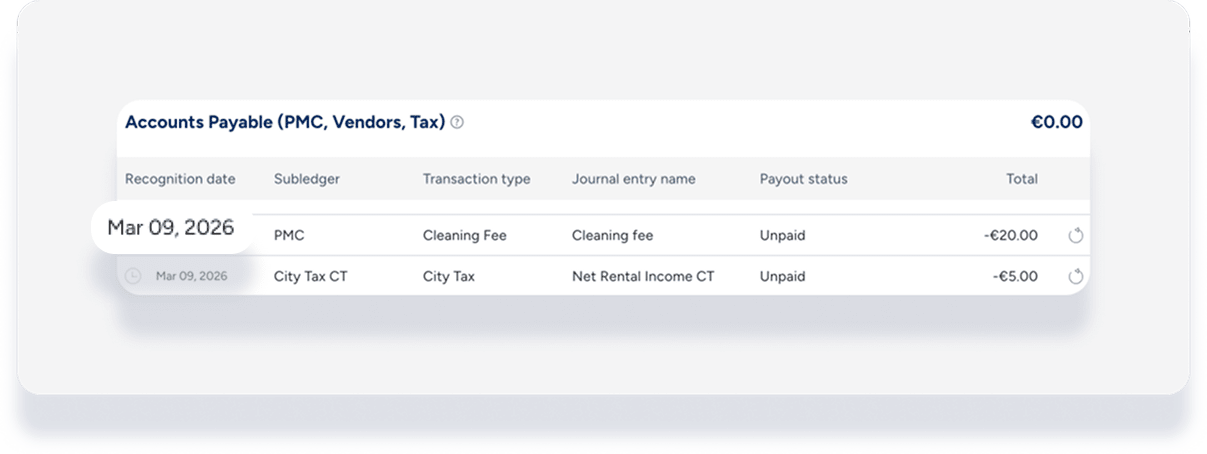
Guesty Accounting is a double-entry system. When you adjust a guest-facing amount, the system automatically triggers the necessary adjustments to the owner's ledger and your commission to ensure the owner isn't overcharged for a discounted fee.
Yes, but use caution. If the period is locked and you have already issued the payout, making an adjustment and clicking Reprocess Reservation creates a "Balance Carried Forward" or an adjustment on the next available owner statement.
