After you configure the Owners Portal settings, owners may see a "No data" error when accessing the portal.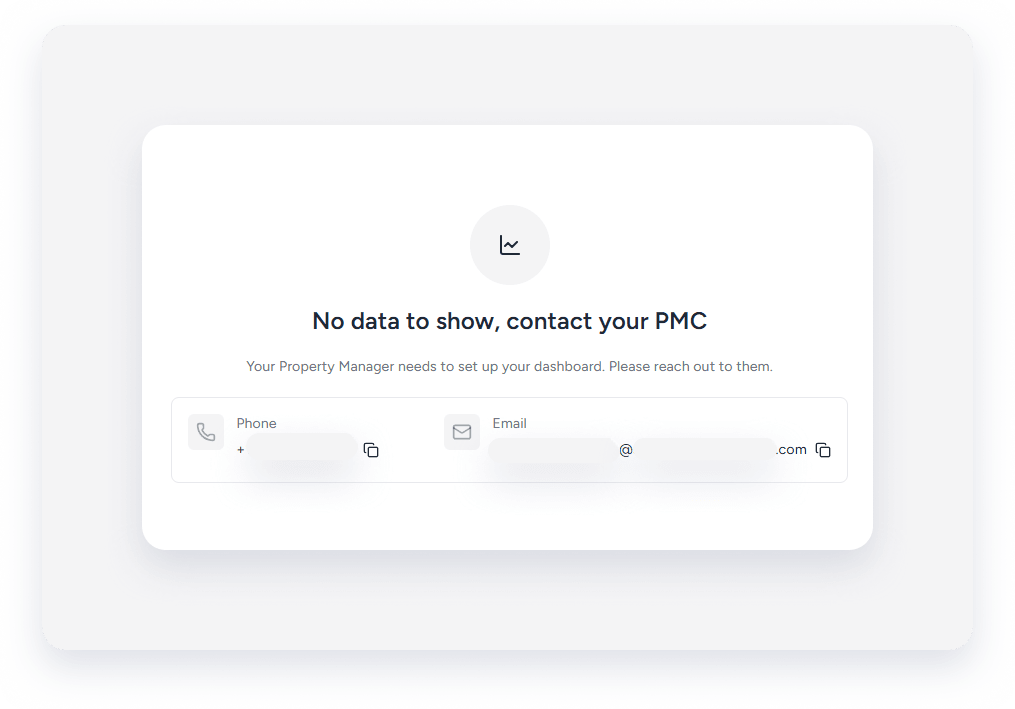
To resolve this, toggle one of the owner's settings off, save, and then reapply the configuration to refresh the portal.
Step by step:
- Sign in to your Guesty account.
- In the side navigation menu, click
 Operations to open the dropdown menu.
 - Under Portfolio, select Owners.
- Select the relevant owner.
- In the side panel, click Portal settings.
- Check or uncheck a setting.
- Click Apply changes.
- Check or uncheck the setting again to return to the original configuration.
- Click Apply changes.
