Guesty Card provides flexible credit options, real-time transaction tracking, and seamless integration with your Guesty account to help maintain financial agility and control team spending.
Once you've set up Guesty Card, monitor transactions following the steps below.
Admins have access to all cards. Individuals with a Guesty Card issued in their name can only see their card's data.
Monitor transactions
Step by step:
- Sign in to your Guesty account.In the side navigation menu, click
 Financials to open the dropdown menu.
 - Select Guesty card.
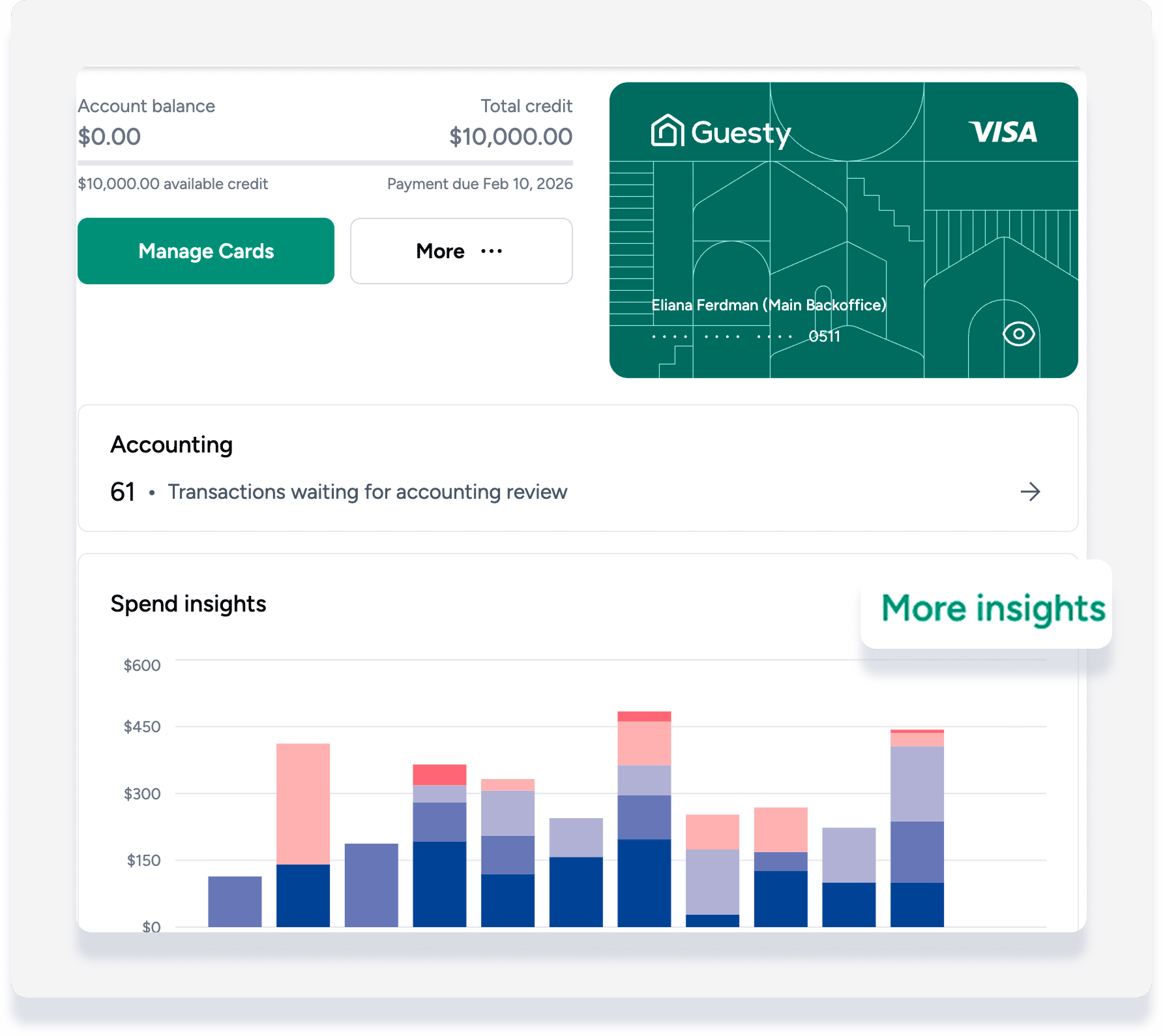
- Click More insights.
- In the "Spend insights" graph:
- Hover over the bars to view details.
-
Click More insights for additional data.
-
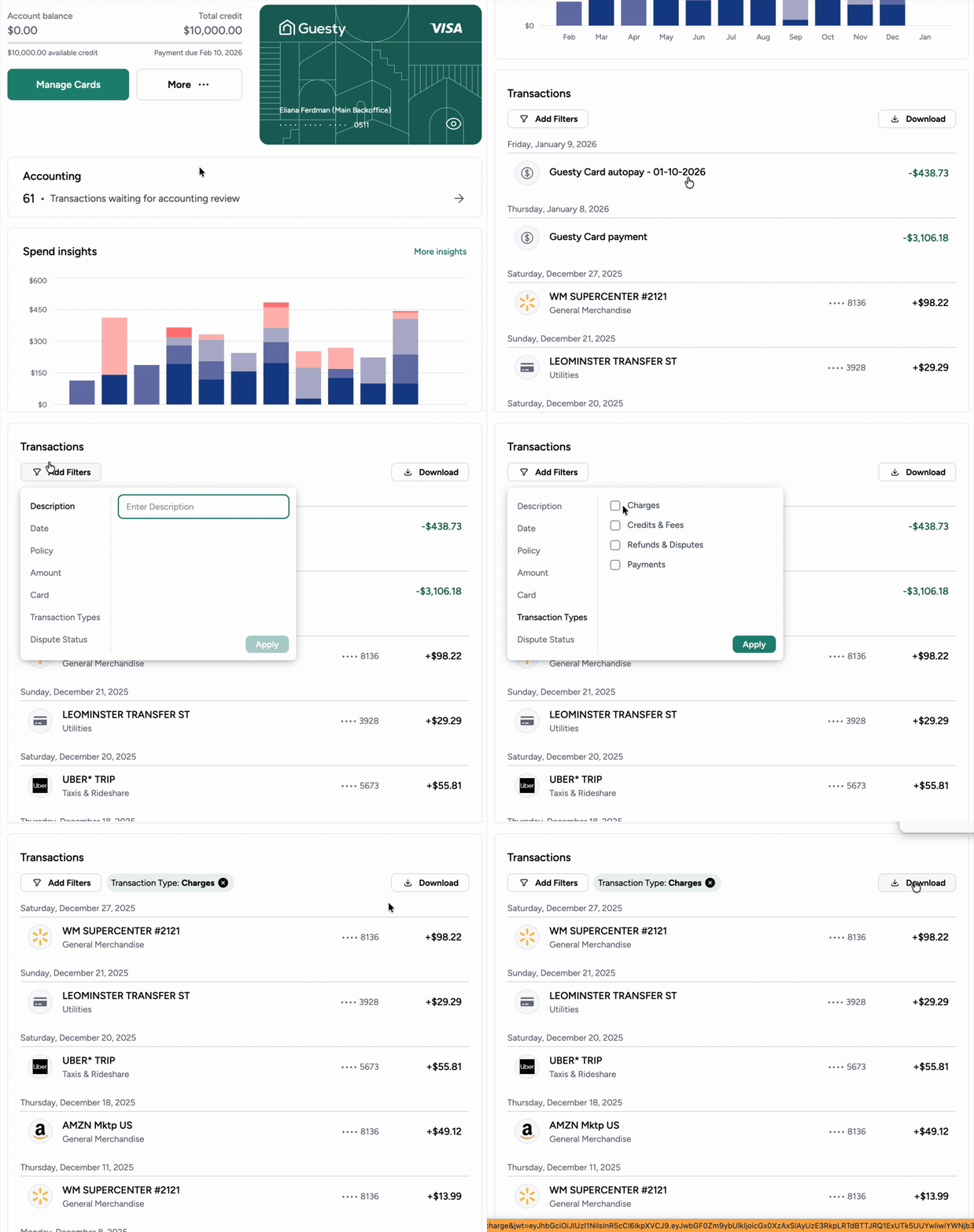
Scroll down to "Transactions" to filter and download specific data. If you're an admin, you can filter by card.
Outstanding statement balances are automatically debited monthly from the designated bank account. If an automatic debit fails, the card may be locked until the balance is repaid. Late fees apply for missed payments.
Important:
When using both Guesty Accounting and QuickBooks, Guesty Card transaction data pushes to the accounting tool automatically. To prevent duplicate reporting, exclude Guesty Card transactions when working in QuickBooks.
