Linking your Airbnb listings to Guesty in bulk allows you to connect multiple Airbnb listings in Guesty. This process identifies Airbnb listings that aren't connected to Guesty and suggests a property match in Guesty based on the listing address. Guesty becomes the source of truth for all listing data once synced.
Before you begin
Understand the two available sync settings before starting the linking process:
- Limited sync: Guesty manages your rates and availability only. Existing Airbnb listing content, such as titles, descriptions, and photos remain as is. Reservations from other channels in Guesty sync to your Airbnb calendar as manual blocks to ensure accuracy.
- Full sync: Property information in Guesty, including titles, descriptions, and amenities, overrides existing Airbnb content.
Follow the steps below to link your Airbnb listings to Guesty.
Step by step:
- Sign in to your Guesty account.
- In the side navigation menu, click
Marketing and sales to open the dropdown menu.
- Under Channel management, select Distribution.
- Select the Airbnb thumbnail.
- Select the relevant account.
- Click Bulk link.
-
Choose a sync type for the listings: Limited sync or Full sync.

-
Click Map listings and wait for your listings to load.
Listings that have a property match in Guesty receive a “Suggested match” status. Matches are based on the listing address.
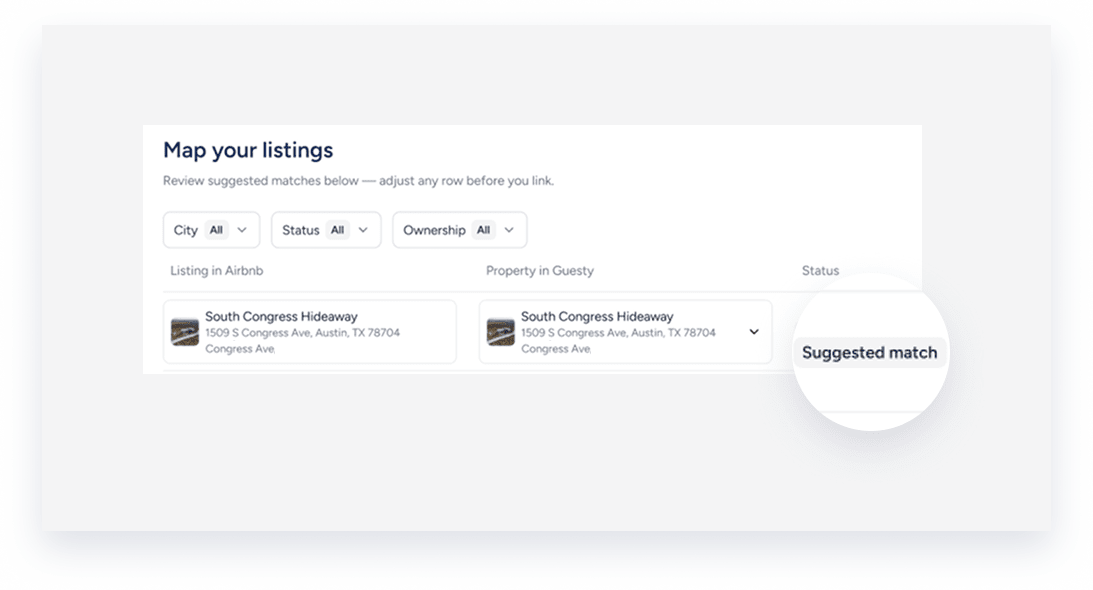
- Define how Airbnb listings should be connected to Guesty listings:
- Review the suggested match status for each listing.
-
To update a match, or find a match for listings without a suggestion, click the dropdown menu for the relevant item under "Property in Guesty". Use the search bar to locate and select the correct property.

- If you don’t want to link a specific listing, select Don't link this listing.
-
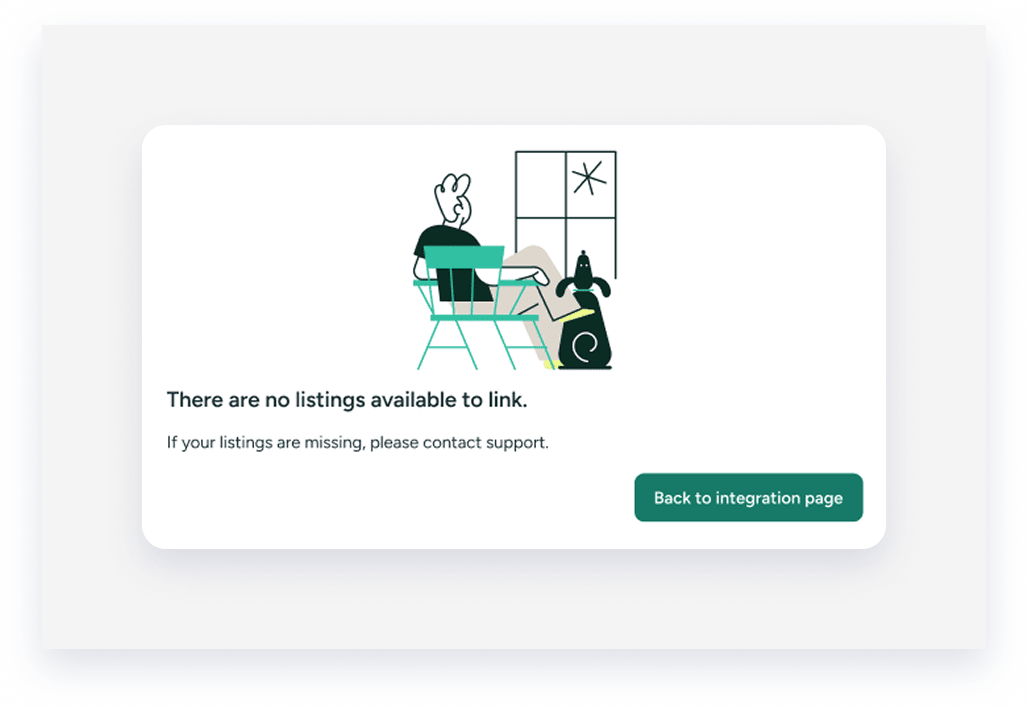
If no results are found, or if all listings are already connected to Guesty, a pop-up displays a message stating "There are no listings available to link." Click Back to integration page.
- When all matches are confirmed, click Link listings.
- A success message will appear indicating the process is in progress.
- Click Close.
You will be redirected to the Airbnb integration page where you can monitor the progress of the connection. Once the process is complete, the listings will display as "Connected."
