Use Guesty’s AI solution to quickly generate or enhance your listing's marketing descriptions. The tool analyzes existing property details—such as its address, room layout, amenities, and reservation policies—and generates three suggestions to populate the description field, allowing you to choose the one that best fits your needs.
The AI suggestions consider your writing style and the property's details, offering options for better clarity and SEO.
Important:
Only Account Admin & General Managers can activate the AI marketing description.
Generate or edit a description
Follow the steps below to generate or edit a property description using AI.
Step by step:
- Navigate to a property's description page.
- Click
next to the relevant field.
- Use the arrows to view the suggested options.
-
Optional: Click More options. Select your preferred adjustment from the dropdown menu, such as text length, tone of voice, or target audience.
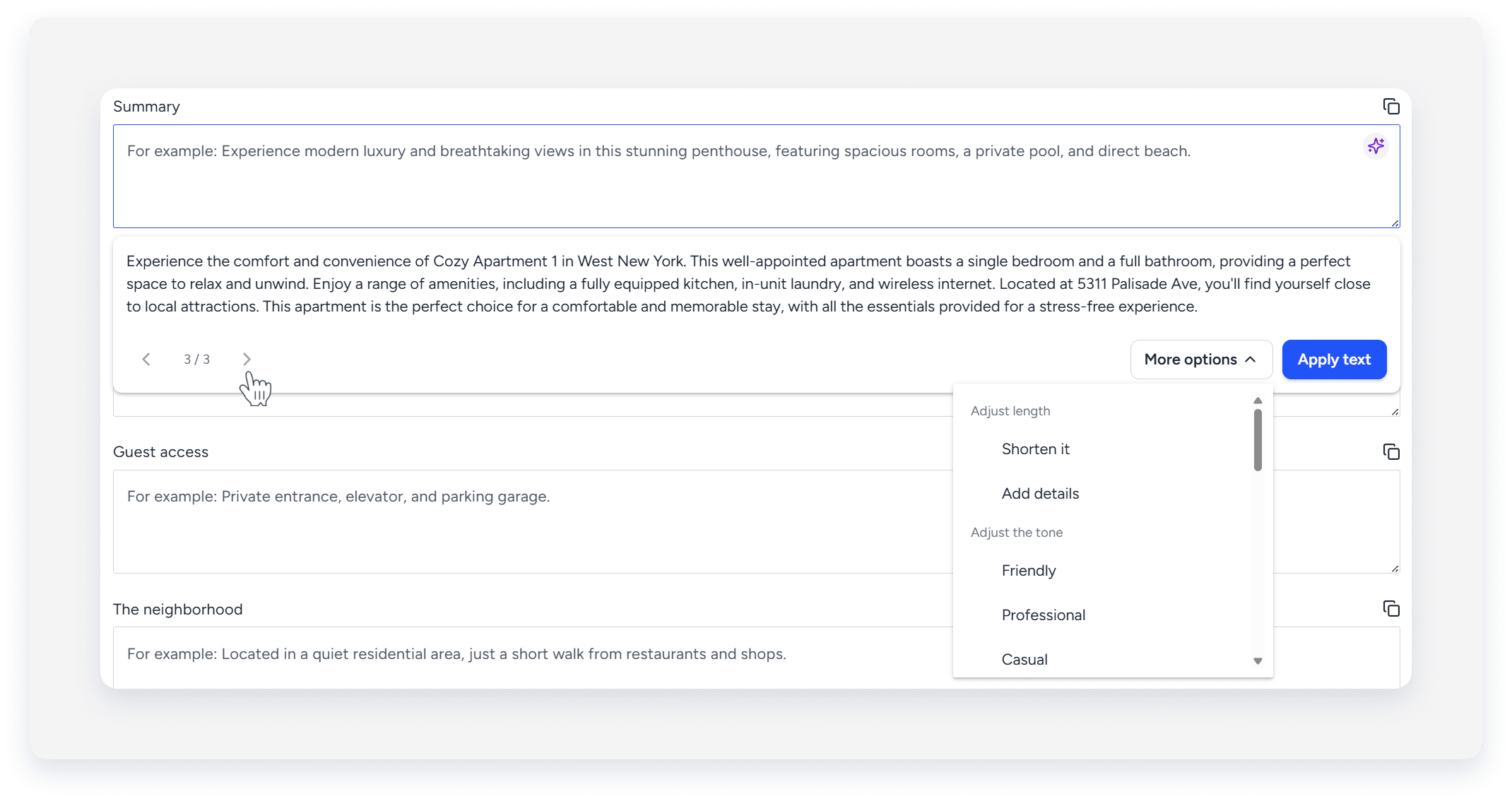
- Click Apply text.
- At the top-right, click Save.