New to Guesty? Register your new account. If you have an account, download the latest version of the Guesty app and sign in.
Sign in to the mobile app
Follow the steps below to access your account.
Step by step:
- Open the Guesty app.
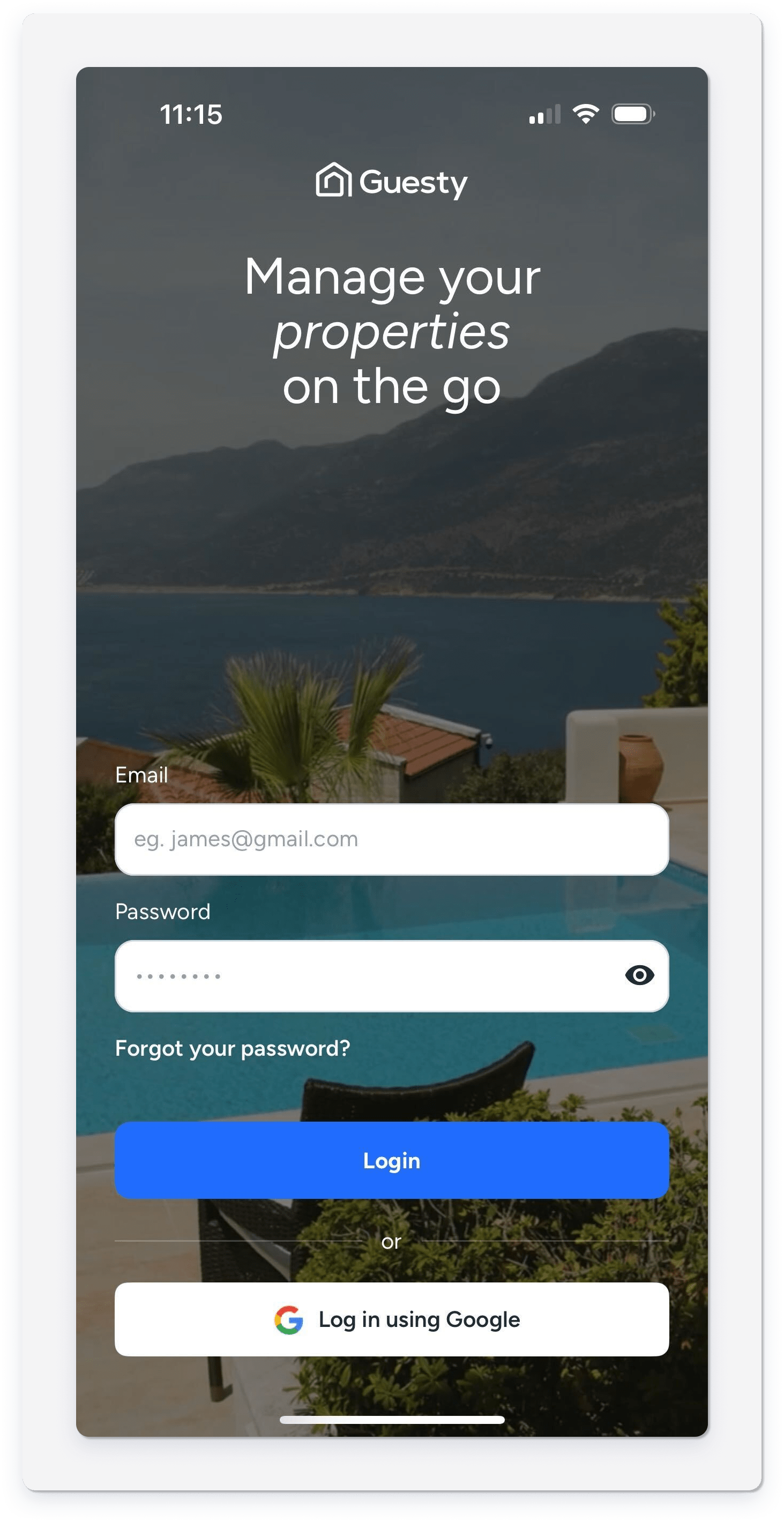
- Sign in using one of the following options:
- Email: Enter your email address and tap Log in.
-
Google: Tap Log in using Google and select your account.
Troubleshoot login issues
If you can't sign in to the app, try signing in through a web browser. If the issue persists in the browser, see Troubleshooting: Login issues.
If you can sign in on the web but not the mobile app, check the following common solutions:
- Incorrect credentials: Check that you entered the correct username and password.
- Account locked: Wait a few minutes and try again if your account is locked due to multiple failed login attempts.
- Connectivity issues: Check that you have a stable internet connection.
- Outdated app version: Update to the latest version of the Guesty app.
- Disabled account: Contact support if your account is disabled due to a payment or policy violation.
