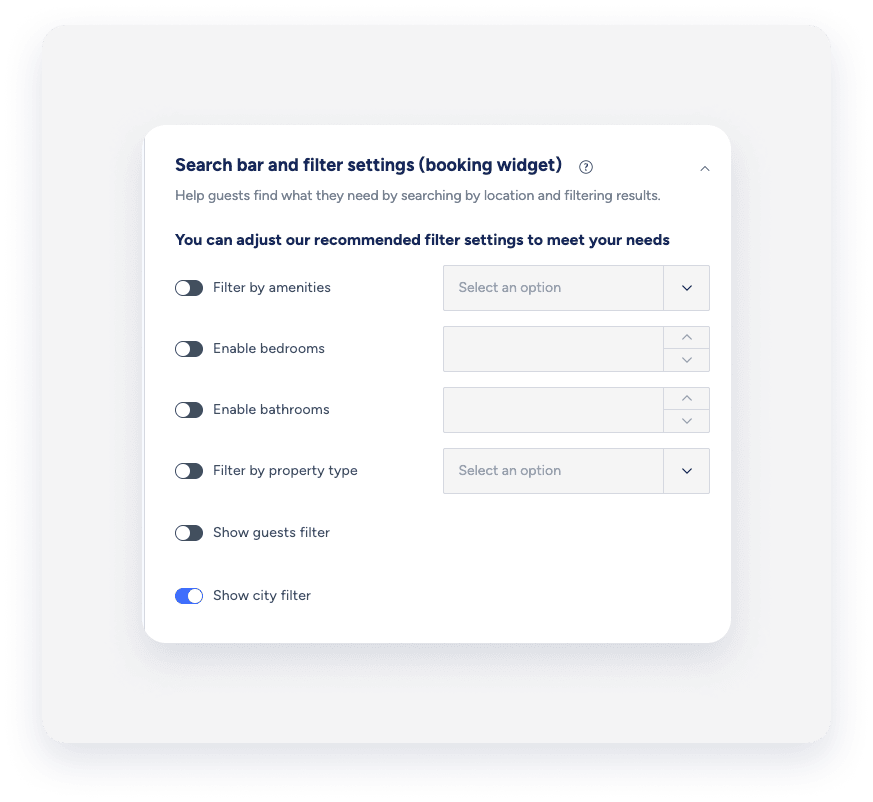
You can customize the Booking Engine widget to suit your needs. When your guests are using filters to search for their desired listings, you may want to hide the city filter, so that the destination dropdown is not visible.
Follow the steps below:
Step by step:
- Sign in to your Guesty account.
- In the side navigation menu, click
 Marketing and sales to open the dropdown menu.
 - Under Channel management, select Distribution.
- Click the Guesty Booking Engine thumbnail.
- Click
 next to the relevant engine, and select
  .
. - In the side navigation menu, select Booking settings.
- Under Search bar and filter settings, toggle Show city filter off.